

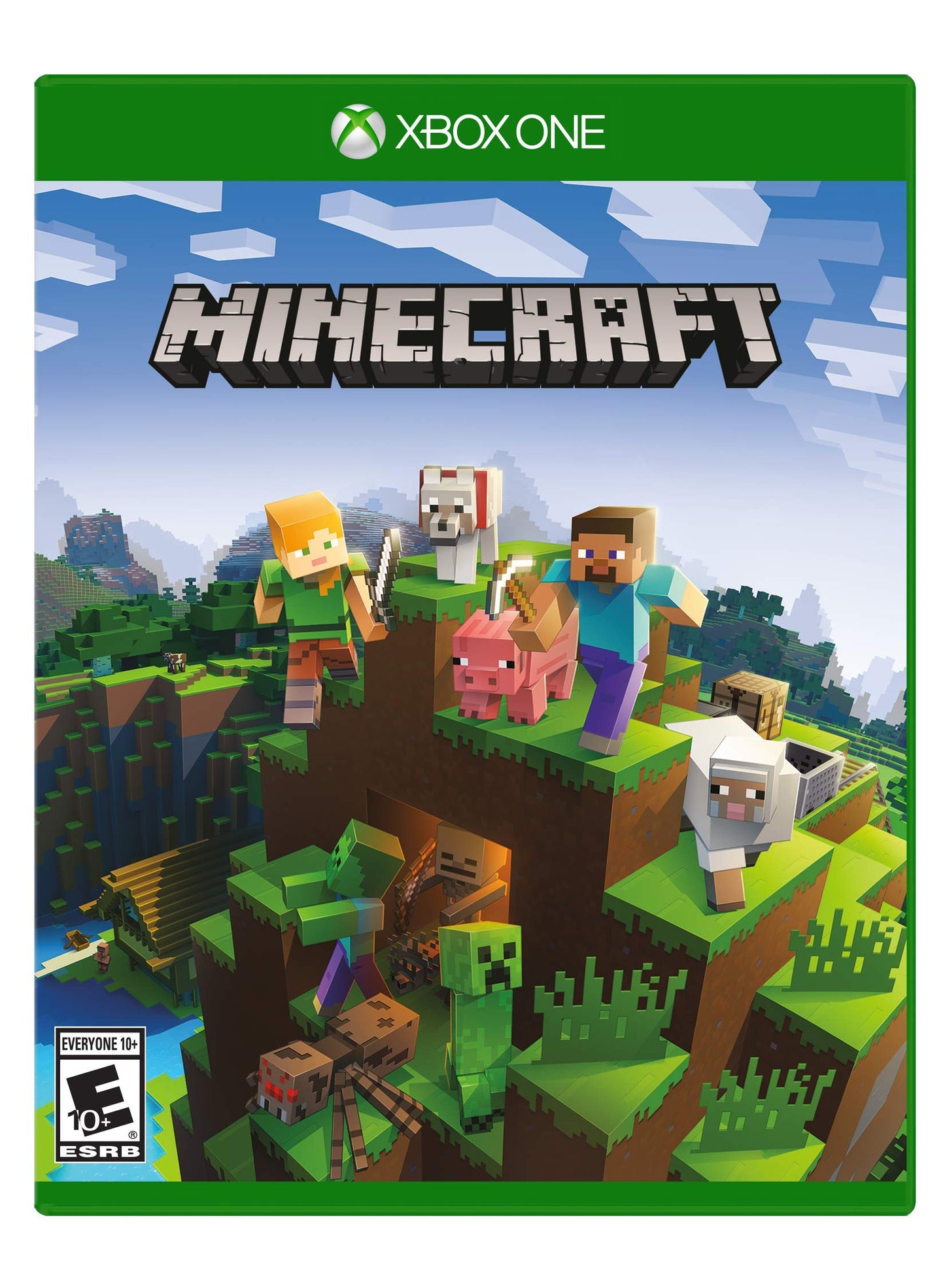
Xbox Minecraft – Xbox One Original Version Game (Model: 44Z-00154)
Xbox Minecraft – Xbox One Original Version Game (Model: 44Z-00154)
Out of stock
Couldn't load pickup availability
Guarantee safe checkout

Sold by Gamex24, an authorized reseller.
Returns accepted within 30 days | support@gamex24.com
Shipping Information
- Free Standard Shipping — United States only
- Processing Time: 1–3 business days
- Estimated Delivery: 3–5 business days after dispatch
- Securely packed to ensure your purchase arrives in perfect condition
- Tracking number sent via email once dispatched
- Orders over $250 require signature upon delivery. Taxes calculated at checkout.
Returns & Refund
Returns accepted within 30 days of delivery.
Damaged or Defective Item
Free return shipping + replacement or full refund
Wrong Item Received
Free return shipping + replacement or full refund
Change of Mind
Return shipping at customer's expense · Item must be unused & in original packaging
Safety & Compliance
California Proposition 65 Warning
Some products sold on this website may expose you to chemicals known to the State of California to cause cancer, birth defects, or other reproductive harm.
www.P65Warnings.ca.govGeneral Product Safety Advisory
Always read the product label, instructions, and safety warnings before use. Do not use damaged or modified products. Store products in appropriate conditions as specified by the manufacturer.
Keep all products out of reach of children unless specifically designed for their use.
Product Authenticity & Notice
All products sold by Gamex24 are 100% authentic, sourced directly from authorized brand distributors. Product colors and dimensions may vary slightly from images due to screen calibration and manufacturing tolerances.
Gamex24 — Play. Compete. Repeat.
Description
Frequently Asked Questions
- Q: What are the dimensions of Minecraft for Xbox One? A: The dimensions of Minecraft for Xbox One are six point sixty-one inches in length, five point thirty-one inches in width, and zero point fifty-five inches in height.
- Q: Is Minecraft for Xbox One suitable for kids? A: Yes, Minecraft for Xbox One is suitable for kids. The game encourages creativity through building and exploration in a safe, virtual environment.
- Q: What type of binding does Minecraft for Xbox One have? A: Minecraft for Xbox One has a video game binding. This format is specifically designed for gaming consoles.
- Q: How do I play Minecraft on Xbox One? A: To play Minecraft on Xbox One, insert the game disc, follow the on-screen setup instructions, and start exploring or building your world.
- Q: Can I play Minecraft on other devices? A: Yes, Minecraft can be played on multiple devices. It supports cross-play across console, mobile, and Windows Ten platforms.
- Q: Is Minecraft multiplayer compatible on Xbox One? A: Yes, Minecraft is multiplayer compatible on Xbox One. You can play online with friends, but an Xbox Live Gold subscription is required.
- Q: How do I keep my Minecraft game safe? A: To keep your Minecraft game safe, ensure your Xbox One and internet connection are secure, and regularly update the game to the latest version.
- Q: Does Minecraft for Xbox One have in-app purchases? A: Yes, Minecraft for Xbox One contains in-app purchases. These purchases allow you to buy additional content or features within the game.
- Q: What should I do if my Minecraft game doesn't load? A: If your Minecraft game doesn't load, try restarting your Xbox One, checking for updates, and ensuring your internet connection is stable.
- Q: What if I encounter issues during installation? A: If you encounter issues during installation, check the disc for scratches, ensure your console has sufficient storage, and refer to the troubleshooting guide.
- Q: Is there a warranty for Minecraft for Xbox One? A: Yes, there is a warranty for Minecraft for Xbox One, provided through the retailer where it was purchased. Check the retailer's policy for specific details.
- Q: Can I return Minecraft for Xbox One if I don't like it? A: Yes, you can return Minecraft for Xbox One if you don't like it, subject to the retailer's return policy. Keep the original packaging for a smooth return.
- Q: Is there an age restriction for playing Minecraft on Xbox One? A: No, there is no strict age restriction for playing Minecraft on Xbox One. It is rated for ages ten and up, making it family-friendly.
- Q: How often is Minecraft updated? A: Minecraft is updated regularly, with new features and bug fixes added frequently. Check the official Minecraft website for the latest update announcements.
- Q: Does Minecraft require an internet connection to play? A: No, Minecraft does not require an internet connection to play in single-player mode. However, online multiplayer requires a stable internet connection.