Skip to product information
1 of 1

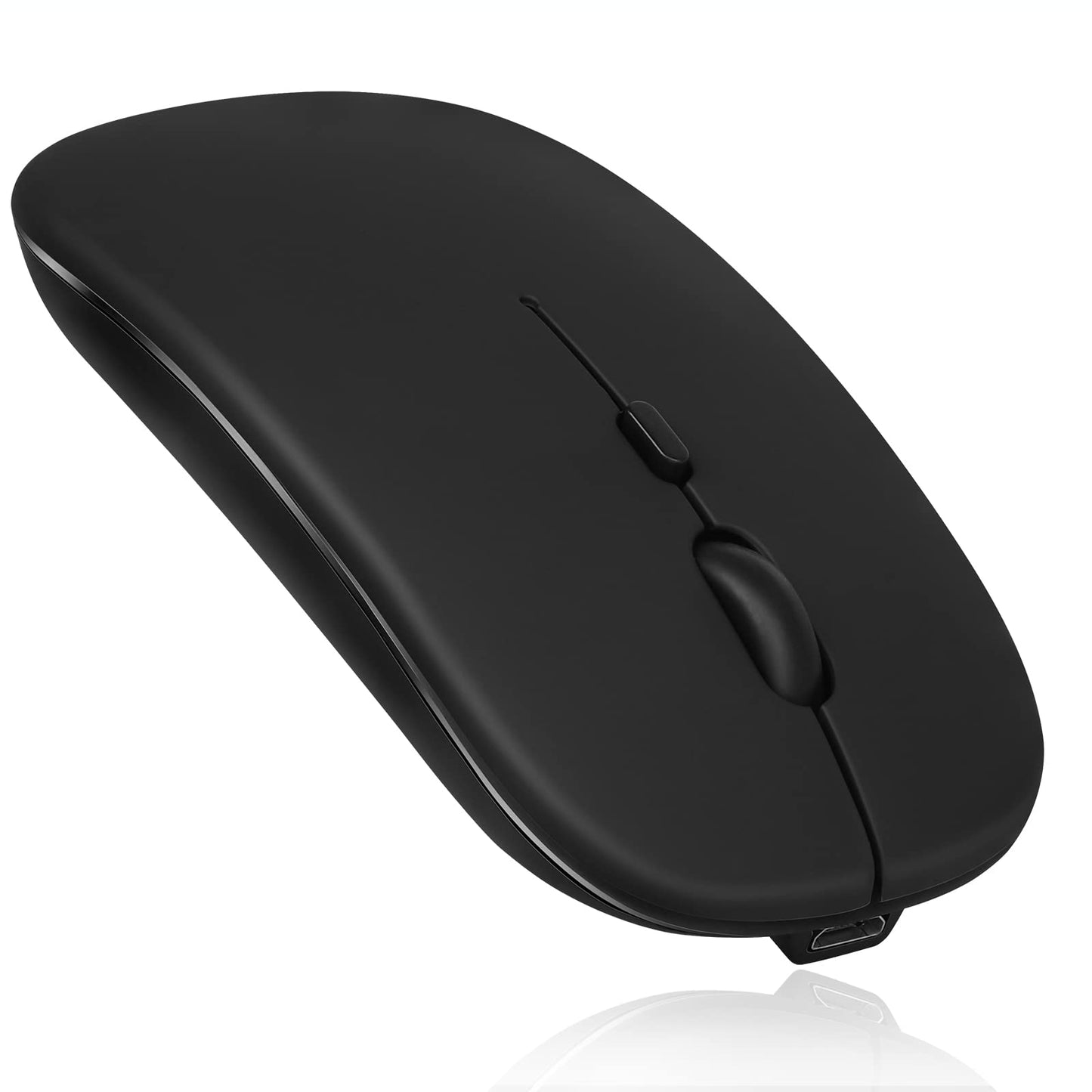
Urbanx Bluetooth Rechargeable Mouse For Lenovo Legion 5 Pro Laptop Bluetooth Wireless Mouse Designed For Laptop/Pc/Mac/Ipad Pro/

Urbanx Bluetooth Rechargeable Mouse For Lenovo Legion 5 Pro Laptop Bluetooth Wireless Mouse Designed For Laptop/Pc/Mac/Ipad Pro/

Regular price $18.42
Regular price $18.42 Sale price $18.42
Sale Sold out
Shipping calculated at checkout.
SKU: WBGMXB09Y5X38YQ
UPC: 726358435140
Brand: UrbanX

Out of stock

Quantity

Guarantee safe checkout

Payment Methods - Visa, Mastercard, PayPal, etc.

Sold by Gamex24, an authorized reseller.

Returns accepted within 30 days  |  support@gamex24.com

✓ Verified
Shipping Information
  • Free Standard Shipping — United States only
  • Processing Time: 1–3 business days
  • Estimated Delivery: 3–5 business days after dispatch
  • Securely packed to ensure your purchase arrives in perfect condition
  • Tracking number sent via email once dispatched
  • Orders over $250 require signature upon delivery. Taxes calculated at checkout.
Returns & Refund

Returns accepted within 30 days of delivery.

Damaged or Defective Item

Free return shipping + replacement or full refund

Wrong Item Received

Free return shipping + replacement or full refund

Change of Mind

Return shipping at customer's expense · Item must be unused & in original packaging

All returns require a Return Authorization (RA) number before sending.

To initiate a return, contact us:

support@gamex24.com +1 832-402-9851
View Full Return & Refund Policy
Safety & Compliance
⚠️

California Proposition 65 Warning

Some products sold on this website may expose you to chemicals known to the State of California to cause cancer, birth defects, or other reproductive harm.

www.P65Warnings.ca.gov
🛒

General Product Safety Advisory

Always read the product label, instructions, and safety warnings before use. Do not use damaged or modified products. Store products in appropriate conditions as specified by the manufacturer.

Keep all products out of reach of children unless specifically designed for their use.

ℹ️

Product Authenticity & Notice

All products sold by Gamex24 are 100% authentic, sourced directly from authorized brand distributors. Product colors and dimensions may vary slightly from images due to screen calibration and manufacturing tolerances.

Gamex24 — Play. Compete. Repeat.
View full details

Description

Support System: Designed For Windows Vista, Windows Xp, Windows 7 / 8 / 10, Linux, Android, Mac Os X (Compatible With Imac One Machine / Macbook / Macbook Air / Mac Mini, Not Compatible Macbook Pro / Ipad / Iphone) * Bluetooth Version: Bluetooth 5.0 * Photoelectric Resolution: 3 Adjustable Dpi Level (1000 / 1200 / 1600Dpi) * Built In Rechargeable Battery: 1000Mah (Lithium Polymer Battery, Long Cycle Life) * Tracking System: Optics * Number Of Keys: 4 (Key) * Operating Distance: 15 M * Size: 4.4 X 2.3 X 0.8 Inches * Weight: 3.18 Oz How To Use The Bluetooth Mouse: 1. Charge For 2 Hours Before First Use, The Blue Light Will Be Turned On When Charging, The Blue Light Is Automatically Turns Off When Fully Charged. 2. When Pairing Turn On The Bluetooth Mouse (Switch To On Position), Press The Black Circle Bluetooth Connection Button More Than 3 Seconds. 3. Turn On The Computer Bluetooth Or Pint The Cursor Toward The Bluetooth Signal In The Bottom Right Corner Of The Computer Screen. Right Click To Select Add Device, Then The Bluetooth Will Enter The Search State. (Note: Bluetooth Normally Has A Bluetooth Logo In The Lower Right Corner Of The Computer, If It Normally Starts.) 4. Wait For The Computer To Search Interface Into The Bluetooth Device, The Bluetooth Computer Can Search A Mouse Shape Icon Or Bluetooth Mouse, That Is The Bluetooth Mouse, And Then Click Next To Start The Match, The Pairing Is Successful Mouse Begin Work. Note: * If Your Device Does Not Have Bluetooth, You Need To Install The Bluetooth Adapter First. * If You Do Not Use The Mouse For A Long Time, Turn Off The On / Off Switch. * It Rarely Occurs That The Mouse Has A Connection Problem, If The Connection Is Not On Try To Delete Of The Current Bluetooth Driver, And Download And Install The Updated Correct Bluetooth Driver For Your Computer