

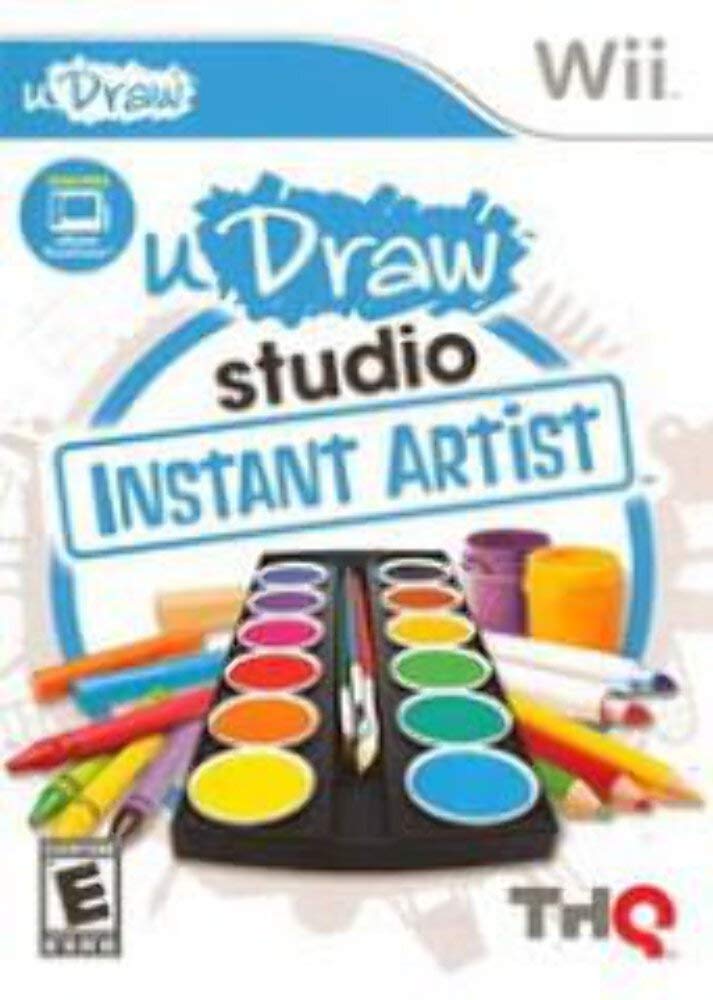
THQ uDraw Studio: Instant Artist for Nintendo Wii - One Size, One Color, Model 30535
THQ uDraw Studio: Instant Artist for Nintendo Wii - One Size, One Color, Model 30535
Regular price
$11.32
Regular price
$11.32
Sale price
$11.32
Low stock: 10 left
Quantity
Couldn't load pickup availability
Guarantee safe checkout

Shipping Information
Shipping Information
- Processing time : 1-3 days
- US Orders Ships in : 3-5 days
- International Orders Ships in : 8-12 days
- 15-days return on defective items
For more info go to Shipping Info page
Safety & Compliance
Safety & Compliance
⚠️ WARNING (California Proposition 65):
This product may contain chemicals known to the State of California to cause cancer, birth defects, or other reproductive harm.
For more information, please visit www.P65Warnings.ca.gov.
Description
Frequently Asked Questions
- Q: What is uDraw Studio: Instant Artist for Nintendo Wii? A: uDraw Studio: Instant Artist is an art creation video game designed for use with the uDraw Game Tablet on the Nintendo Wii. It allows players to explore their creativity through various game modes, including Art School and Art Camp.
- Q: Do I need any additional hardware to use uDraw Studio? A: Yes, you need the uDraw Game Tablet to play uDraw Studio: Instant Artist on the Nintendo Wii. The game is designed specifically for this tablet.
- Q: What features does uDraw Studio: Instant Artist offer? A: The game includes features such as wireless play for comfortable creation, easy sharing of artwork via SD card, touch and tilt functionalities for interactive painting, and various game modes to enhance the creative experience.
- Q: Can I share my artwork created in uDraw Studio? A: Yes, you can share your creations using an SD card with the Wii. This allows you to save and share your artwork with others.
- Q: What age group is uDraw Studio: Instant Artist suitable for? A: uDraw Studio: Instant Artist is suitable for artists of all ages, making it accessible for both children and adults who enjoy creative activities.
- Q: What types of art styles can I create in uDraw Studio? A: The game supports a wide variety of art styles, from classic techniques to street-inspired designs, allowing players to explore different artistic approaches.
- Q: Is there a tutorial or guidance in the game? A: Yes, players are guided by an animated character named Remmy, who helps them navigate through the various modes and features of Instant Artist.
- Q: Can uDraw Studio: Instant Artist be played by multiple players? A: While the game is primarily designed for individual play, players can take turns or share the tablet, allowing for collaborative creative experiences.
- Q: What materials do I need to get started with uDraw Studio? A: To get started, you will need the uDraw Game Tablet, a Nintendo Wii console, and the uDraw Studio: Instant Artist game.
- Q: Are there any specific motion controls used in uDraw Studio? A: Yes, uDraw Studio utilizes motion-sensing activities that allow players to engage in tilt-enhanced painting, making the experience interactive and dynamic.