


Razer Orochi V2 Wireless Gaming Mouse - Ultra Lightweight, 18K DPI Sensor, Quartz Pink, 950 Hr Battery Life
Razer Orochi V2 Wireless Gaming Mouse - Ultra Lightweight, 18K DPI Sensor, Quartz Pink, 950 Hr Battery Life
Out of stock
Couldn't load pickup availability
Guarantee safe checkout

Sold by Gamex24, an authorized reseller.
Returns accepted within 30 days | support@gamex24.com
Shipping Information
- Free Standard Shipping — United States only
- Processing Time: 1–3 business days
- Estimated Delivery: 3–5 business days after dispatch
- Securely packed to ensure your purchase arrives in perfect condition
- Tracking number sent via email once dispatched
- Orders over $250 require signature upon delivery. Taxes calculated at checkout.
Returns & Refund
Returns accepted within 30 days of delivery.
Damaged or Defective Item
Free return shipping + replacement or full refund
Wrong Item Received
Free return shipping + replacement or full refund
Change of Mind
Return shipping at customer's expense · Item must be unused & in original packaging
Safety & Compliance
California Proposition 65 Warning
Some products sold on this website may expose you to chemicals known to the State of California to cause cancer, birth defects, or other reproductive harm.
www.P65Warnings.ca.govGeneral Product Safety Advisory
Always read the product label, instructions, and safety warnings before use. Do not use damaged or modified products. Store products in appropriate conditions as specified by the manufacturer.
Keep all products out of reach of children unless specifically designed for their use.
Product Authenticity & Notice
All products sold by Gamex24 are 100% authentic, sourced directly from authorized brand distributors. Product colors and dimensions may vary slightly from images due to screen calibration and manufacturing tolerances.
Gamex24 — Play. Compete. Repeat.


Description
Frequently Asked Questions
- Q: What is the weight of the Razer Orochi V2 gaming mouse? A: The mouse weighs less than sixty grams. This ultra-lightweight design enhances portability and ease of use for gaming.
- Q: What are the dimensions of the Razer Orochi V2 mouse? A: The dimensions are two point four four inches in length, four point two five inches in width, and one point five inches in height. These compact dimensions make it ideal for travel.
- Q: What type of sensor does the Razer Orochi V2 use? A: It features a Razer five G advanced eighteen thousand DPI optical sensor. This enables precise tracking and responsive gameplay.
- Q: How do I connect the Razer Orochi V2 mouse? A: You can connect it via Bluetooth or Razer HyperSpeed Wireless. This dual wireless functionality allows you to choose the best mode for your needs.
- Q: How long does the battery last on the Razer Orochi V2? A: The battery can last up to nine hundred fifty hours on Bluetooth. This impressive battery life ensures long gaming or working sessions without interruptions.
- Q: Can the Razer Orochi V2 be used by left-handed individuals? A: Yes, it has an ambidextrous design, making it suitable for both left-handed and right-handed users. This feature enhances comfort and control for all gamers.
- Q: How do I care for the Razer Orochi V2 mouse? A: To keep it in good condition, clean it regularly with a soft, dry cloth. Avoid using harsh chemicals that may damage the finish.
- Q: What type of batteries does the Razer Orochi V2 require? A: It requires one AA or AAA battery to operate. The hybrid battery slot is designed for balanced weight distribution.
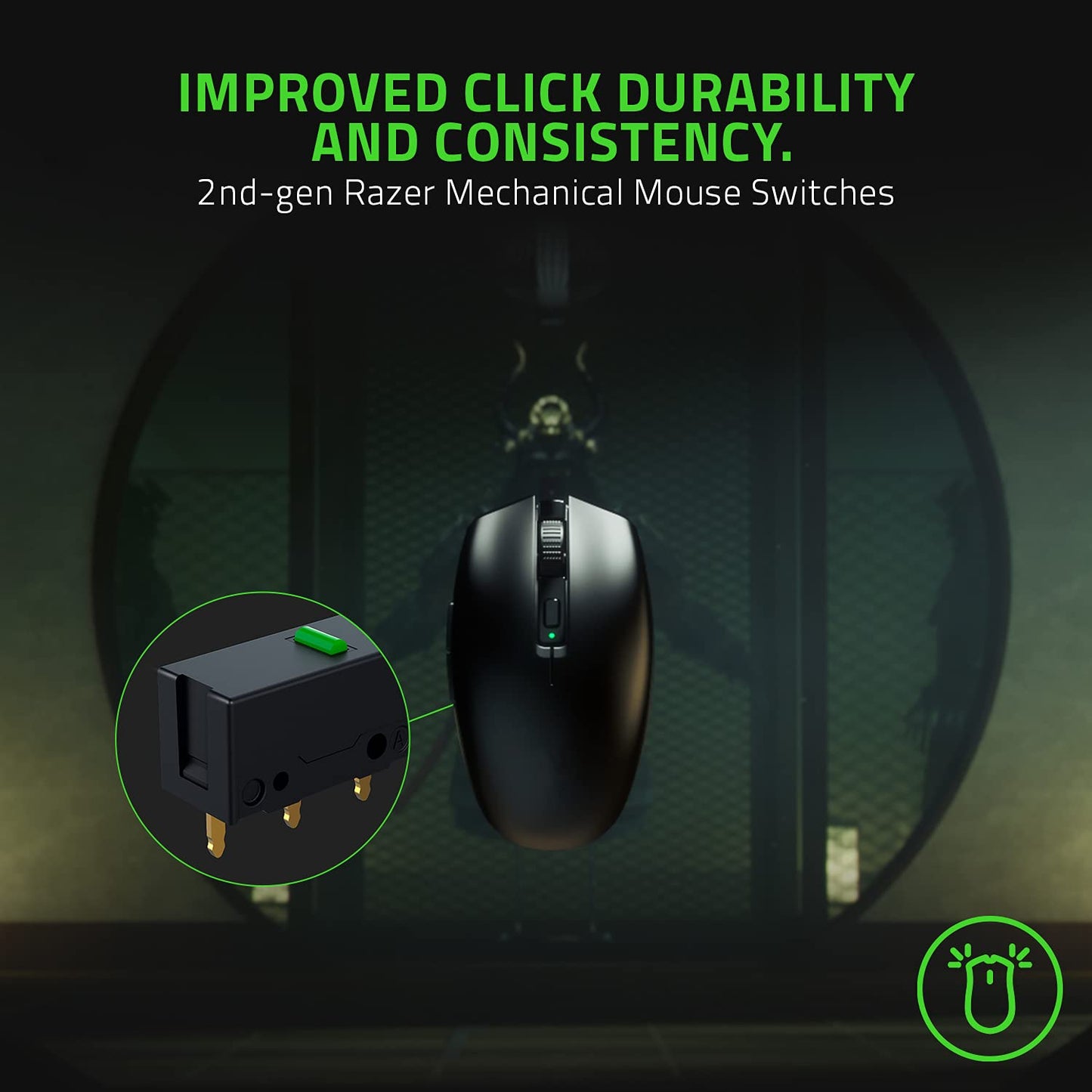
- Q: Is the Razer Orochi V2 mouse suitable for gaming? A: Yes, it is designed specifically for gaming. The ultra-fast sensor and mechanical switches provide a competitive edge in gameplay.
- Q: What if my Razer Orochi V2 mouse arrives damaged? A: Contact customer support immediately for assistance. They will guide you through the return or replacement process.
- Q: Does the Razer Orochi V2 support software customization? A: Yes, it supports Razer Synapse software for customization of buttons and settings. This allows you to tailor the mouse to your preferences.
- Q: What is the maximum DPI of the Razer Orochi V2 mouse? A: The maximum DPI is eighteen thousand. This high sensitivity allows for precise movements in fast-paced gaming scenarios.
- Q: Can I use the Razer Orochi V2 for everyday work? A: Yes, it is versatile enough for everyday work tasks as well as gaming. The Bluetooth mode is particularly useful for office environments.
- Q: What features make the Razer Orochi V2 stand out? A: It features an ultra-lightweight design, long battery life, dual wireless modes, and advanced sensor technology. These attributes make it a top choice for gamers.
- Q: Is the Razer Orochi V2 mouse easy to travel with? A: Yes, its lightweight and compact design make it very portable. It fits easily into laptop bags or backpacks.