


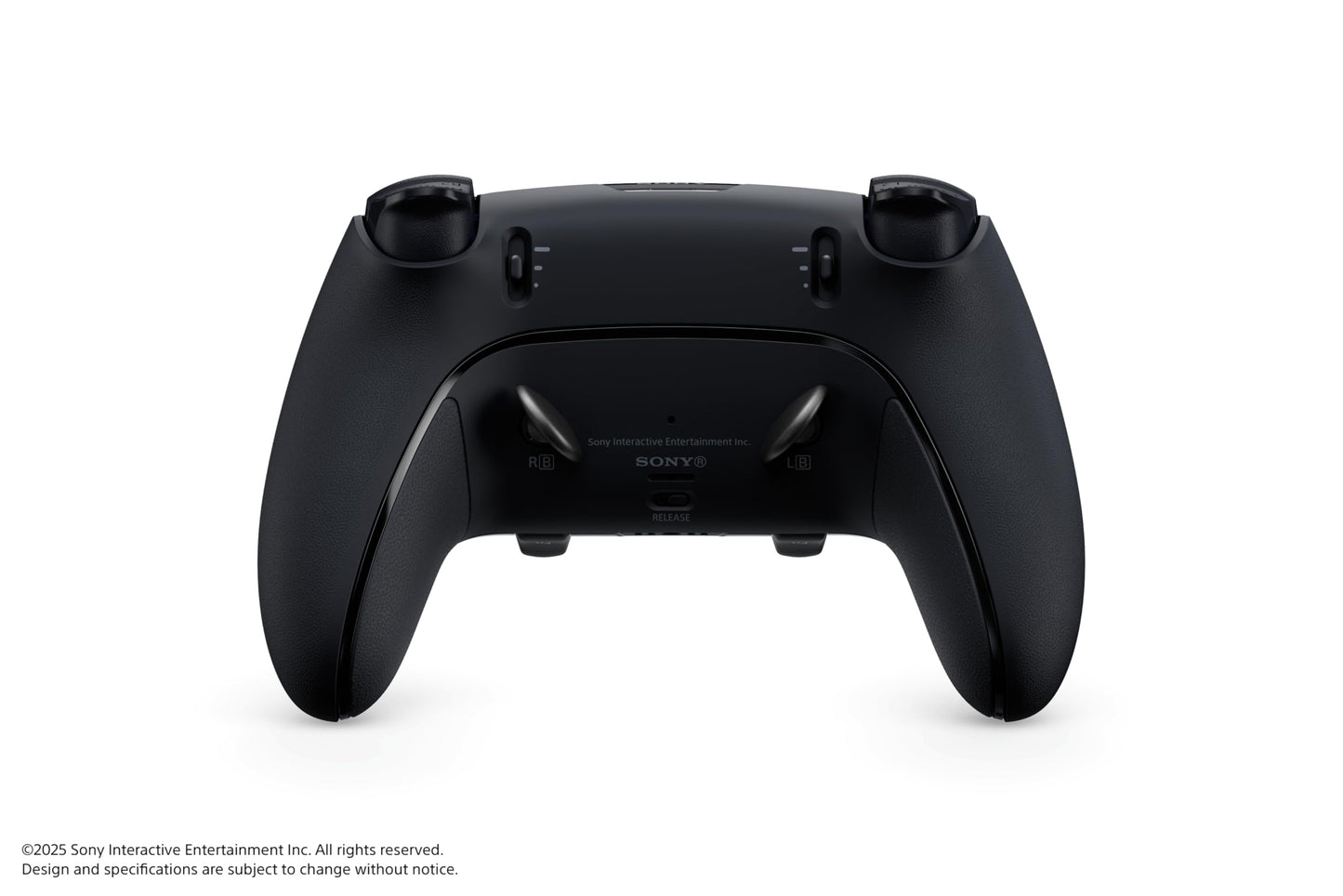
PlayStation DualSense Edge Wireless Controller - Midnight Black, Model PS5CONTEDGEB, Enhanced Gaming Experience
PlayStation DualSense Edge Wireless Controller - Midnight Black, Model PS5CONTEDGEB, Enhanced Gaming Experience
Regular price
$267.06
Regular price
$267.06
Sale price
$267.06
Low stock: 10 left
Quantity
Couldn't load pickup availability
Guarantee safe checkout

Shipping Information
Shipping Information
- Processing time : 1-3 days
- US Orders Ships in : 3-5 days
- International Orders Ships in : 8-12 days
- 15-days return on defective items
For more info go to Shipping Info page
Safety & Compliance
Safety & Compliance
⚠️ WARNING (California Proposition 65):
This product may contain chemicals known to the State of California to cause cancer, birth defects, or other reproductive harm.
For more information, please visit www.P65Warnings.ca.gov.


Description
Frequently Asked Questions
- Q: What are the key features of the PlayStation DualSense Edge Wireless Controller? A: The PlayStation DualSense Edge Wireless Controller offers ultra customizable controls, mappable back buttons, built-in DualSense wireless controller features, and replaceable stick modules and caps for personalized gaming.
- Q: How does the customization work on the DualSense Edge controller? A: Customization on the DualSense Edge controller allows you to map buttons to suit your playstyle, adjust sensitivity settings, and configure back buttons for quick access to essential controls.
- Q: Is the PlayStation DualSense Edge controller compatible with PC? A: Yes, the PlayStation DualSense Edge Wireless Controller is compatible with PC, allowing you to use it for a variety of games outside of the PlayStation console.
- Q: Can I replace the stick modules on the DualSense Edge controller? A: Yes, the DualSense Edge controller features replaceable stick modules, which allow users to easily swap out sticks for maintenance or to customize their gaming experience.
- Q: What color options are available for the PlayStation DualSense Edge controller? A: The PlayStation DualSense Edge Wireless Controller is currently available in Edge Midnight Black.
- Q: How does the battery life of the DualSense Edge controller compare to regular DualSense controllers? A: The battery life of the DualSense Edge controller is similar to that of standard DualSense controllers, providing several hours of gameplay on a full charge, depending on usage and features activated.
- Q: What materials are used in the construction of the DualSense Edge controller? A: The exact materials used in the DualSense Edge controller have not been specified, but it is designed for durability and comfort during extended gaming sessions.
- Q: Are there any special features for accessibility on the DualSense Edge controller? A: The DualSense Edge controller's customizable controls can enhance accessibility, allowing users to tailor the button layout and sensitivity to meet their individual needs.
- Q: How do I update the firmware on the DualSense Edge controller? A: To update the firmware on the DualSense Edge controller, connect it to your PlayStation console or PC, and follow the instructions provided in the system settings to check for and install any available updates.
- Q: Can the DualSense Edge controller be used for games on PlayStation VR? A: Yes, the DualSense Edge Wireless Controller can be used with PlayStation VR titles, providing an enhanced gaming experience with its advanced features.