


nuphy Kick75 Wireless Mechanical Keyboard - 75% Layout, Hot Swappable, RGB Backlit, Red Nano Switch, Volume Knob
nuphy Kick75 Wireless Mechanical Keyboard - 75% Layout, Hot Swappable, RGB Backlit, Red Nano Switch, Volume Knob
Regular price
$127.78
Regular price
$127.78
Sale price
$127.78
Low stock: 10 left
Quantity
Couldn't load pickup availability
Guarantee safe checkout

Shipping Information
Shipping Information
- Processing time : 1-3 days
- US Orders Ships in : 3-5 days
- International Orders Ships in : 8-12 days
- 15-days return on defective items
For more info go to Shipping Info page
Safety & Compliance
Safety & Compliance
⚠️ WARNING (California Proposition 65):
This product may contain chemicals known to the State of California to cause cancer, birth defects, or other reproductive harm.
For more information, please visit www.P65Warnings.ca.gov.


Description
Frequently Asked Questions
- Q: What is the battery life of the nuphy Kick75 Wireless Mechanical Keyboard? A: The nuphy Kick75 Wireless Mechanical Keyboard can last up to 48 hours on a full charge, depending on the usage and lighting settings. When used in wired mode, it does not require battery power.
- Q: Is the nuphy Kick75 compatible with Mac and Windows operating systems? A: Yes, the nuphy Kick75 is designed to be cross-platform compatible, supporting Windows, macOS, and Linux operating systems. It comes with dedicated keycaps for both Windows and macOS users.
- Q: How does the tri-mode connectivity work on the nuphy Kick75? A: The tri-mode connectivity allows the nuphy Kick75 to connect via 2.4GHz wireless, Bluetooth 5.1, and USB-C wired connections. Users can easily switch between these modes to connect with various devices such as PCs, laptops, tablets, and smartphones.
- Q: What type of key switches does the nuphy Kick75 use? A: The nuphy Kick75 features Red Nano switches, which are designed for a smooth and quiet typing experience, making them suitable for both gaming and office use.
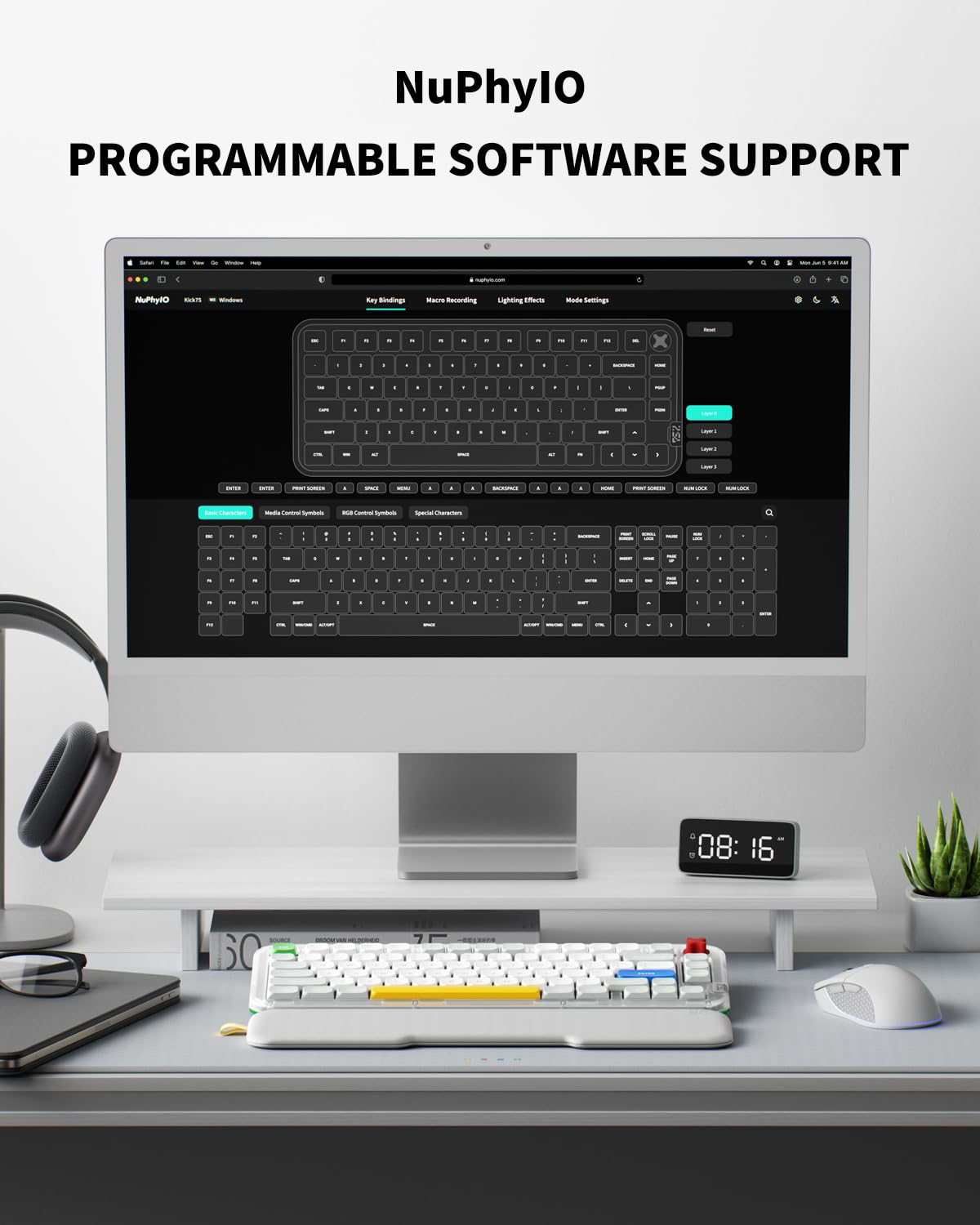
- Q: Can I customize the lighting effects on the nuphy Kick75? A: Yes, users can customize the RGB backlighting and key functions using the self-developed NuPhyIO driver, which includes options for different lighting effects and macro recording.
- Q: What materials are used in the construction of the nuphy Kick75? A: The nuphy Kick75 features PBT keycaps that are known for their durability and resistance to wear and tear. The keyboard's innovative gasket mount design enhances typing comfort.
- Q: Is the nuphy Kick75 portable for travel? A: Yes, the compact seventy-five percent layout of the nuphy Kick75 makes it portable and easy to carry, while still providing ample space for mouse movement.
- Q: Does the nuphy Kick75 support macro recording? A: Yes, the nuphy Kick75 supports macro recording, allowing users to set up custom key functions to enhance their productivity and gaming experience.
- Q: How do I switch between different connectivity modes on the nuphy Kick75? A: To switch between connectivity modes on the nuphy Kick75, you can use the designated toggle switch located on the keyboard to alternate between 2.4GHz wireless, Bluetooth, and USB-C connections.
- Q: What is the design of the nuphy Kick75 intended for? A: The nuphy Kick75 is designed for both gamers and professionals, aiming to enhance work efficiency and gaming experience through its customizable features, ergonomic design, and versatile connectivity options.