


MIGHTY SKINS Nintendo Joy-Con Controller Skin - Psychedelic Wrap Cover Sticker, Model NIJOYCO-Psychedelic
MIGHTY SKINS Nintendo Joy-Con Controller Skin - Psychedelic Wrap Cover Sticker, Model NIJOYCO-Psychedelic
Out of stock
Couldn't load pickup availability
Guarantee safe checkout

Sold by Gamex24, an authorized reseller.
Returns accepted within 30 days | support@gamex24.com
Shipping Information
- Free Standard Shipping — United States only
- Processing Time: 1–3 business days
- Estimated Delivery: 3–5 business days after dispatch
- Securely packed to ensure your purchase arrives in perfect condition
- Tracking number sent via email once dispatched
- Orders over $250 require signature upon delivery. Taxes calculated at checkout.
Returns & Refund
Returns accepted within 30 days of delivery.
Damaged or Defective Item
Free return shipping + replacement or full refund
Wrong Item Received
Free return shipping + replacement or full refund
Change of Mind
Return shipping at customer's expense · Item must be unused & in original packaging
Safety & Compliance
California Proposition 65 Warning
Some products sold on this website may expose you to chemicals known to the State of California to cause cancer, birth defects, or other reproductive harm.
www.P65Warnings.ca.govGeneral Product Safety Advisory
Always read the product label, instructions, and safety warnings before use. Do not use damaged or modified products. Store products in appropriate conditions as specified by the manufacturer.
Keep all products out of reach of children unless specifically designed for their use.
Product Authenticity & Notice
All products sold by Gamex24 are 100% authentic, sourced directly from authorized brand distributors. Product colors and dimensions may vary slightly from images due to screen calibration and manufacturing tolerances.
Gamex24 — Play. Compete. Repeat.

Description
Frequently Asked Questions
- Q: What are the dimensions of the MightySkins for the Nintendo Joy-Con Controller? A: The MightySkins measure nine point zero two inches in length, zero point one two inches in width, and five point nine eight inches in height. These dimensions ensure a perfect fit for your Nintendo Joy-Con Controller.
- Q: What material is used in the MightySkins? A: MightySkins are made from high-quality three M automotive-grade vinyl. This material is known for its durability and ability to withstand wear and tear.
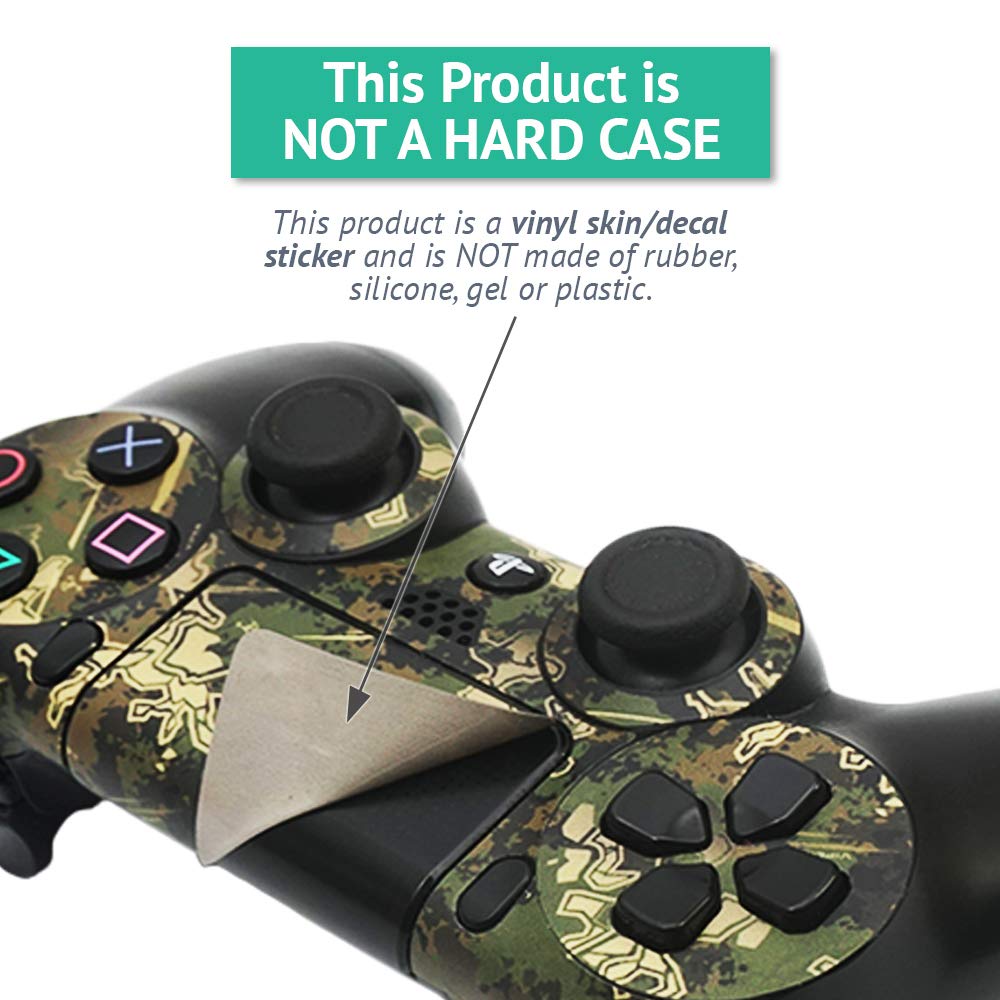
- Q: Is the MightySkins a hard case? A: No, the MightySkins are not a hard case. They are a vinyl skin or decal sticker designed to wrap around the Nintendo Joy-Con Controller.
- Q: How do I apply the MightySkins to my controller? A: To apply the MightySkins, simply peel the skin from its backing and carefully align it to your Nintendo Joy-Con Controller. Press down firmly to ensure a secure fit.
- Q: Can I remove the MightySkins easily? A: Yes, MightySkins are designed for easy removal. They use patented adhesive technology that allows for clean removal without any sticky residue.
- Q: Is the MightySkins suitable for all Nintendo Joy-Con Controllers? A: Yes, the MightySkins are compatible with all standard Nintendo Joy-Con Controllers. They are designed to fit perfectly without obstructing functionality.
- Q: How do I clean the MightySkins? A: To clean the MightySkins, simply wipe them down with a damp cloth. Avoid using harsh chemicals to maintain the integrity of the vinyl.
- Q: Are the MightySkins water-resistant? A: Yes, the MightySkins offer a level of water resistance. However, they are not fully waterproof, so it's best to avoid excessive moisture.
- Q: Do the MightySkins protect against scratches? A: Yes, the MightySkins provide protection against scratches, dings, and fading. They help keep your Nintendo Joy-Con Controller looking brand new.
- Q: Can I use the Nintendo Joy-Con Controller while the MightySkins are applied? A: Yes, you can use your Nintendo Joy-Con Controller normally while the MightySkins are applied. The skins do not interfere with buttons or functionality.
- Q: What colors are available for the MightySkins? A: The MightySkins are available in various colors, including the psychedelic design featured in this listing. This design adds a unique style to your controller.
- Q: Is shipping discreet with MightySkins? A: Yes, shipping for MightySkins is discreet. Your order will be packaged without any indication of its contents.
- Q: What if my MightySkins arrive damaged? A: If your MightySkins arrive damaged, you can contact customer support for assistance with returns or replacements. Ensure to provide your order details.
- Q: Are MightySkins made in the USA? A: Yes, MightySkins are proudly made in the USA. They are produced in a state-of-the-art facility located in West Palm Beach, Florida.
- Q: How long do MightySkins last? A: MightySkins are designed for long-lasting use, with durability that withstands everyday wear. However, their lifespan depends on usage and care.