

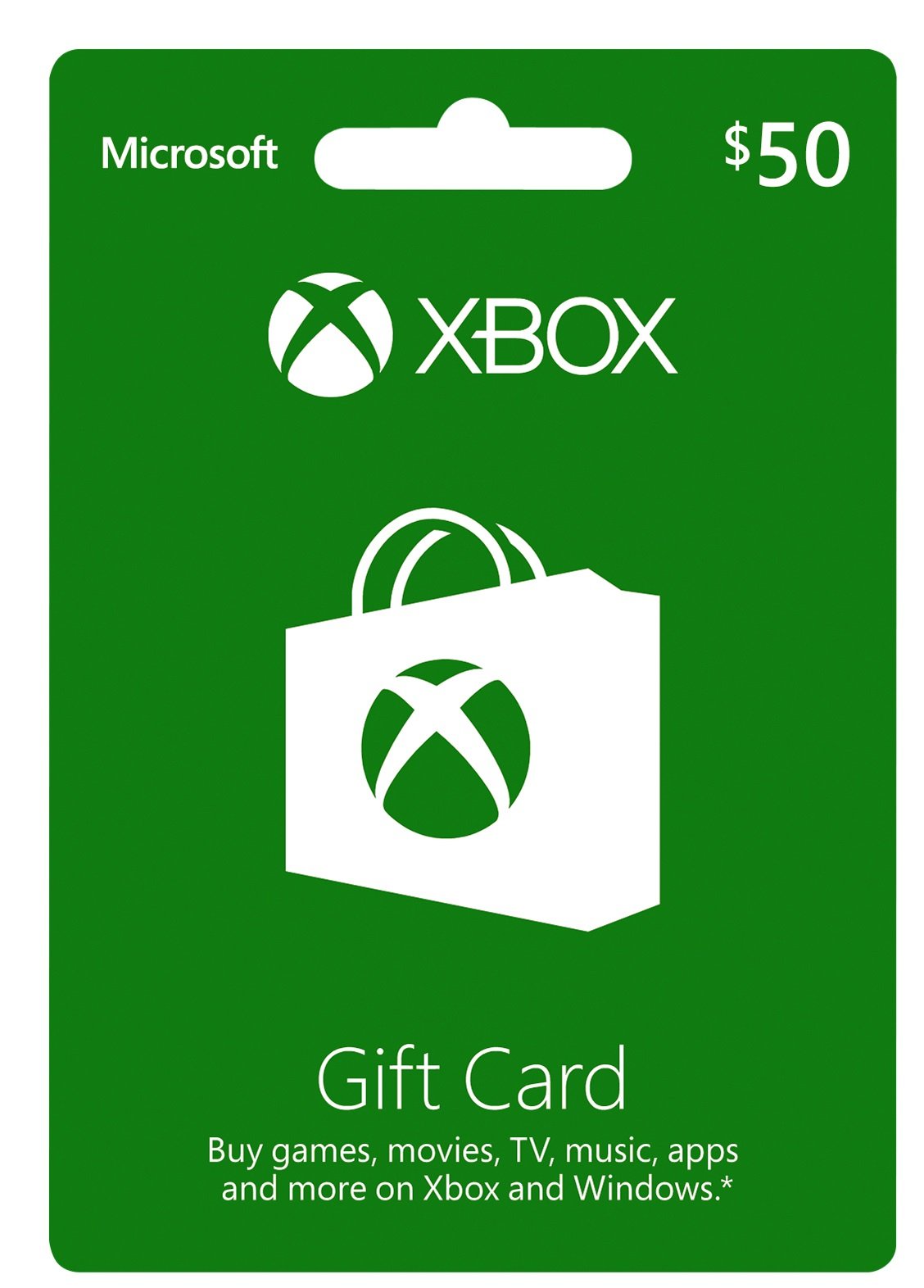
Microsoft Xbox $50 Gift Card - Digital Code for Gaming & Entertainment - Model K4W-00002
Microsoft Xbox $50 Gift Card - Digital Code for Gaming & Entertainment - Model K4W-00002
Regular price
$83.35
Regular price
$83.35
Sale price
$83.35
Shipping calculated at checkout.
Low stock: 10 left
Quantity
Couldn't load pickup availability
Guarantee safe checkout

Shipping Information
Shipping Information
- Processing time : 1-3 days
- US Orders Ships in : 3-5 days
- International Orders Ships in : 8-12 days
- 15-days return on defective items
For more info go to Shipping Info page
Safety & Compliance
Safety & Compliance
⚠️ WARNING (California Proposition 65):
This product may contain chemicals known to the State of California to cause cancer, birth defects, or other reproductive harm.
For more information, please visit www.P65Warnings.ca.gov.
Description
Frequently Asked Questions
- Q: What can I purchase with the Xbox $50 Gift Card? A: The Xbox $50 Gift Card can be used to buy games, map packs, movies, TV shows, music, apps, and other entertainment content on Xbox and Windows platforms.
- Q: Is the Xbox Gift Card compatible with all Xbox consoles? A: The Xbox Gift Card is compatible with Xbox One and Xbox 360, but it is not redeemable on earlier versions of Xbox consoles.
- Q: Can I use this gift card on Windows devices? A: Yes, the Xbox $50 Gift Card can be redeemed on Windows 10 PCs, tablets, and phones, as well as Windows 8.1 devices.
- Q: Do I need an Xbox Live account to use the gift card? A: Yes, an Xbox Live account is required to redeem the gift card and access certain content on Xbox One and Xbox 360.
- Q: Can I use the gift card for music purchases? A: The Xbox Gift Card can be used to purchase tracks, albums, and music passes on Windows 10 and Windows 8.1 devices, as well as on Xbox One.
- Q: Is the Xbox Gift Card a good option for gifts? A: Yes, the Xbox $50 Gift Card is a popular choice for gifts, allowances, or as an alternative to credit cards for purchasing digital content.
- Q: How long is the Xbox Gift Card valid? A: The Xbox $50 Gift Card does not usually have an expiration date, but it is advisable to redeem it as soon as possible to avoid any issues.
- Q: Can I use the gift card in different countries? A: The Xbox Gift Card is region-specific, meaning it can only be used in the country where it was purchased and on accounts registered in that region.
- Q: What happens if I lose my Xbox Gift Card? A: If you lose your Xbox Gift Card, it cannot be replaced, and you will not be able to recover any lost funds. Keep it in a safe place.
- Q: How can I check the balance on my Xbox Gift Card? A: You can check the balance on your Xbox Gift Card by visiting the Xbox website or using the Xbox console interface. Simply log in to your account and follow the instructions.