


Mcbazel 3-Fan Cooling Fan Cooler for PS4 Slim - Auto Temperature Control, Model MT-ps4-s10004, Not for PS4/PS4 Pro
Mcbazel 3-Fan Cooling Fan Cooler for PS4 Slim - Auto Temperature Control, Model MT-ps4-s10004, Not for PS4/PS4 Pro
Regular price
$21.51
Regular price
$21.51
Sale price
$21.51
Low stock: 10 left
Quantity
Couldn't load pickup availability
Guarantee safe checkout

Shipping Information
Shipping Information
- Processing time : 1-3 days
- US Orders Ships in : 3-5 days
- International Orders Ships in : 8-12 days
- 15-days return on defective items
For more info go to Shipping Info page
Safety & Compliance
Safety & Compliance
⚠️ WARNING (California Proposition 65):
This product may contain chemicals known to the State of California to cause cancer, birth defects, or other reproductive harm.
For more information, please visit www.P65Warnings.ca.gov.


Description
Frequently Asked Questions
- Q: What is the purpose of the Mcbazel Dobe Intelligent External Auto Temperature Control Cooling Fan? A: The Mcbazel Dobe Intelligent External Auto Temperature Control Cooling Fan is designed to cool the PS4 Slim gaming console. It helps prevent overheating, which can lead to malfunctions and extend the lifespan of the console.
- Q: How does the automatic fan mode work? A: The automatic fan mode activates the fans when the console temperature reaches forty degrees Celsius or above. Once the temperature decreases, the fans will automatically turn off to save energy.
- Q: Can I use this cooling fan with the standard PS4 or PS4 Pro? A: No, this cooling fan is specifically designed for the PS4 Slim console only and is not compatible with the standard PS4 or PS4 Pro models.
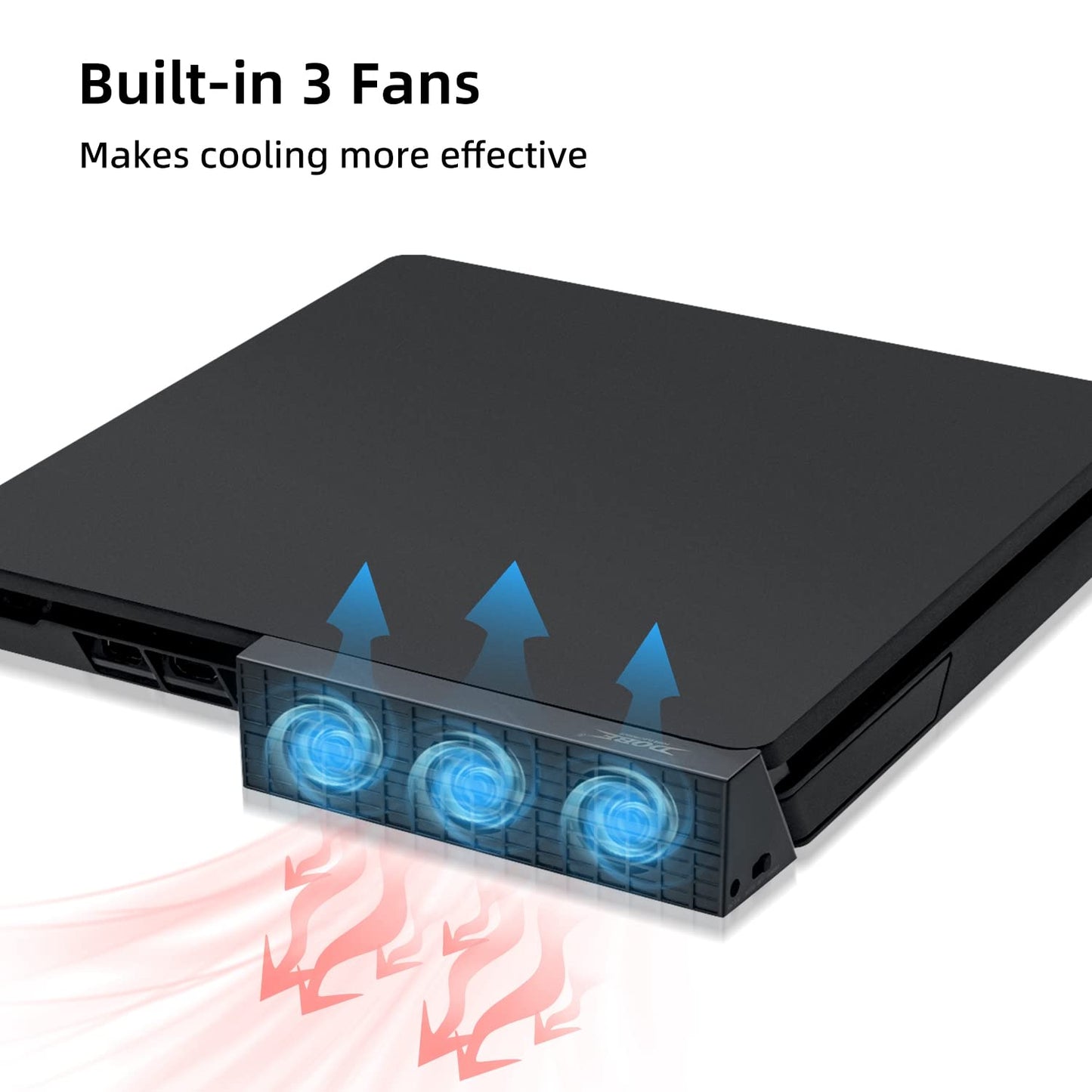
- Q: What are the features of the Mcbazel cooling fan? A: Key features include adjustable fan speed with high-speed turbo and slow options, a horizontal design with three fans for effective heat dispersion, a space-saving and easy installation stand, and a USB to DC cable for power, eliminating the need for extra outlets.
- Q: Is any installation required for this cooling fan? A: Installation is minimal as the cooling fan features a light and compact stand design that can be easily mounted and dismounted. It is designed for user-friendly setup.
- Q: Does the cooling fan require batteries or an external power adapter? A: No, the cooling fan operates using a USB to DC cable that connects to the PS4 Slim console itself, so there is no need for batteries or an external power adapter.
- Q: What happens if I switch the fan to the OFF mode? A: Switching the fan to the OFF mode will turn off the fans completely, stopping any cooling activity. This can be useful if you prefer not to use the fan during low-temperature gaming sessions.
- Q: Is this cooling fan an official Sony product? A: No, the Mcbazel Dobe cooling fan is a third-party accessory and is not an official Sony product. It is compatible specifically with the PS4 Slim.
- Q: How does the cooling fan help improve the lifespan of my PS4 Slim? A: By effectively dissipating heat generated during gaming, the cooling fan prevents overheating, which can cause hardware malfunctions and reduce the overall lifespan of your PS4 Slim console.
- Q: What should I do if the cooling fan doesn't seem to be working? A: If the cooling fan is not functioning, first check the USB connection to ensure it is securely connected to the PS4 Slim console. If the issue persists, consult the user manual for troubleshooting steps or consider reaching out to customer support.