


MageGee Gaming Keyboard and Mouse Combo - RGB Backlit, 104 Keys, USB Wired, Quiet, White/Black
MageGee Gaming Keyboard and Mouse Combo - RGB Backlit, 104 Keys, USB Wired, Quiet, White/Black
Regular price
$35.43
Regular price
$35.43
Sale price
$35.43
Low stock: 10 left
Quantity
Couldn't load pickup availability
Guarantee safe checkout

Shipping Information
Shipping Information
- Processing time : 1-3 days
- US Orders Ships in : 3-5 days
- International Orders Ships in : 8-12 days
- 15-days return on defective items
For more info go to Shipping Info page
Safety & Compliance
Safety & Compliance
⚠️ WARNING (California Proposition 65):
This product may contain chemicals known to the State of California to cause cancer, birth defects, or other reproductive harm.
For more information, please visit www.P65Warnings.ca.gov.


Description
Frequently Asked Questions
- Q: What type of keyboard layout does the MageGee Gaming Keyboard have? A: The MageGee Gaming Keyboard features a full-size layout with one hundred and four keys, including a standard keyboard layout, twelve multimedia function keys, and a number pad.
- Q: Is the MageGee Gaming Keyboard compatible with Mac and Linux systems? A: Yes, the MageGee Gaming Keyboard is compatible with multiple operating systems, including Windows, Linux, and Mac, thanks to its USB 2.0 connector that supports plug-and-play functionality.
- Q: What are the RGB lighting features of the MageGee Gaming Keyboard? A: The MageGee Gaming Keyboard offers gorgeous RGB backlighting with true RGB effects and six single color backlight options. Users can adjust lighting modes and control brightness and speed using specific key combinations.
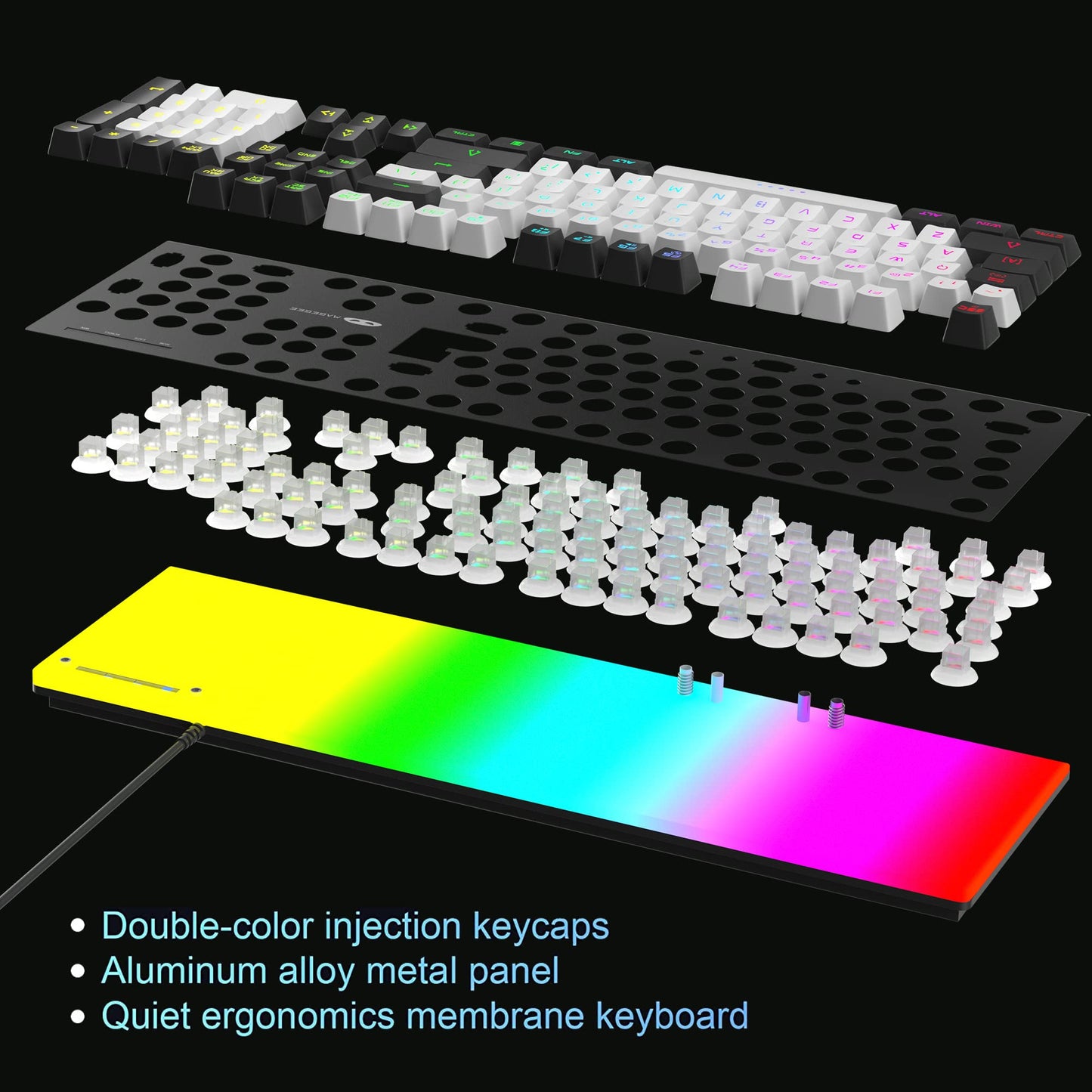
- Q: What is the material of the keyboard panel? A: The keyboard is designed with a matte texture aluminum alloy metal panel, making it sturdy, durable, and resistant to scratches and water.
- Q: Does the MageGee Gaming Keyboard support anti-ghosting? A: Yes, the MageGee Gaming Keyboard features an anti-ghosting design that allows high responsive commands, enhancing both typing and gaming experiences.
- Q: What are the DPI settings available for the gaming mouse? A: The gaming mouse included in the MageGee combo features adjustable DPI settings of six hundred, eight hundred, one thousand two hundred, one thousand six hundred, two thousand four hundred, and three thousand two hundred, indicated by different colors.
- Q: Is the keyboard quiet while typing? A: Yes, the MageGee Gaming Keyboard is designed with a membrane quiet keyboard feature, ensuring minimal noise during typing, which is ideal for office and home environments.
- Q: How do I adjust the backlight brightness on the keyboard? A: To adjust the backlight brightness on the MageGee Gaming Keyboard, press the FN key combined with the up or down arrow keys.
- Q: What should I do if the keyboard does not work after connecting it to a computer? A: If the keyboard does not work after connection, ensure that it is securely plugged into the USB port. Check for compatibility with your operating system and try a different USB port if necessary.
- Q: Can I use the gaming mouse on different surfaces? A: Yes, the MageGee Gaming Mouse is designed for versatility and can be used on various surfaces, thanks to its anti-skid scroll wheel and positioning accuracy.