


MageGee 75% Mechanical Gaming Keyboard, Brown Switch, LED White Backlit, TKL Wired, Compact Design, Black/White
MageGee 75% Mechanical Gaming Keyboard, Brown Switch, LED White Backlit, TKL Wired, Compact Design, Black/White
Regular price
$39.23
Regular price
$39.23
Sale price
$39.23
Low stock: 10 left
Quantity
Couldn't load pickup availability
Guarantee safe checkout

Shipping Information
Shipping Information
- Processing time : 1-3 days
- US Orders Ships in : 3-5 days
- International Orders Ships in : 8-12 days
- 15-days return on defective items
For more info go to Shipping Info page
Safety & Compliance
Safety & Compliance
⚠️ WARNING (California Proposition 65):
This product may contain chemicals known to the State of California to cause cancer, birth defects, or other reproductive harm.
For more information, please visit www.P65Warnings.ca.gov.


Description
Frequently Asked Questions
- Q: What type of switch does the MageGee mechanical gaming keyboard use? A: The MageGee mechanical gaming keyboard features brown switches, which provide a quiet keystroke with a good balance between tactile feedback and smooth operation.
- Q: How many keys does the MageGee gaming keyboard have? A: The MageGee gaming keyboard has eighty-seven keys, designed in a compact tenkeyless layout.
- Q: What backlighting options are available on this keyboard? A: The keyboard includes classic white LED backlighting with multiple illumination effects, supporting about nineteen different backlight modes that can be customized.
- Q: Is the MageGee gaming keyboard compatible with Mac and Linux? A: Yes, the MageGee gaming keyboard is compatible with Windows (2000, XP, ME, Vista, 7, 8), Linux, and Mac systems, using a USB 2.0 connector for easy plug-and-play functionality.
- Q: Can I use multiple keys simultaneously on the MageGee keyboard? A: Yes, this keyboard features full anti-ghosting technology, allowing all eighty-seven keys to work simultaneously without conflict, making it ideal for gamers and typists.
- Q: What materials are used in the construction of the MageGee keyboard? A: The keyboard is made from Acrylonitrile Butadiene Styrene (ABS) plastic, ensuring durability and a splash-proof design that helps protect against spills.
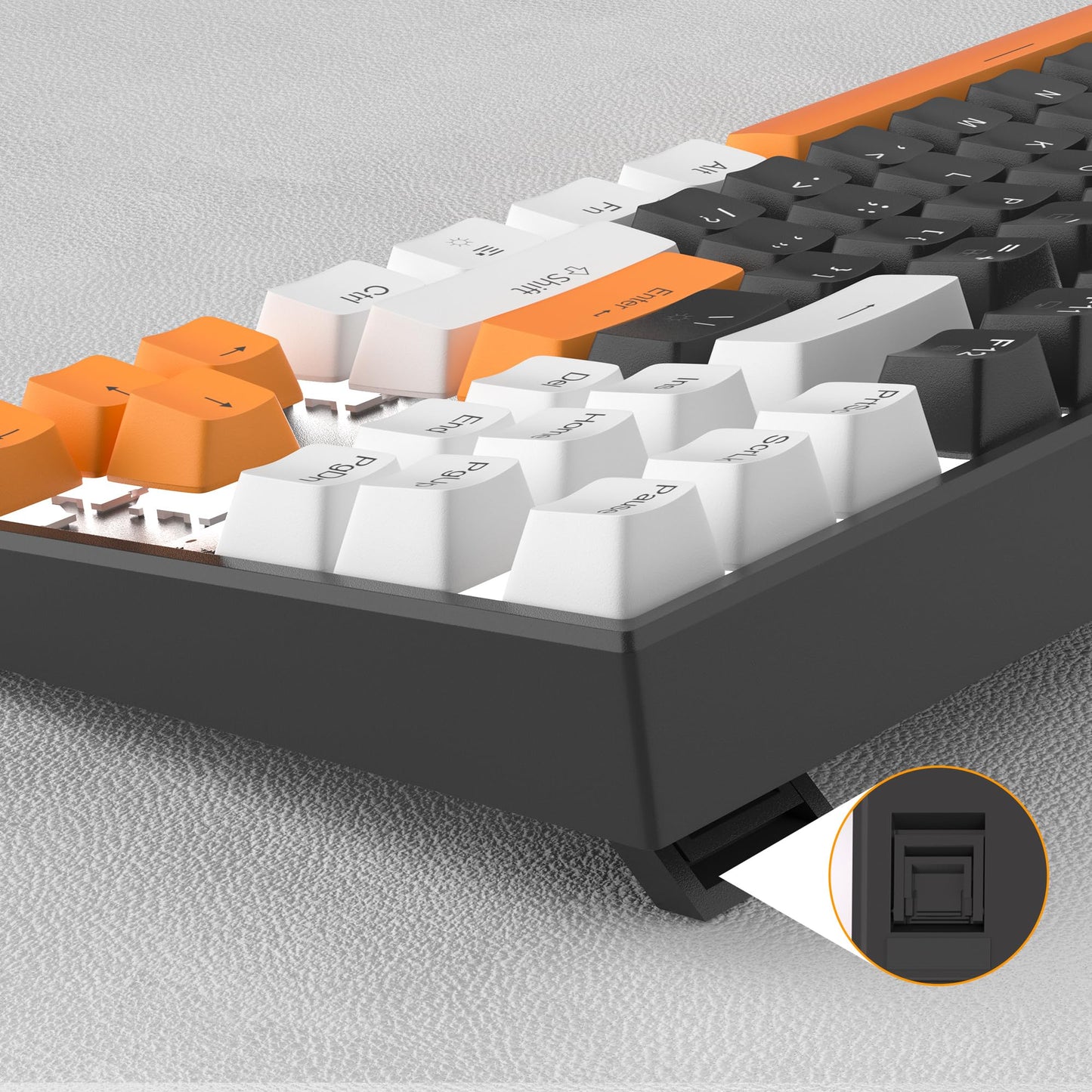
- Q: Does the MageGee keyboard come with any additional accessories? A: Yes, the keyboard comes with extra sixteen orange keycaps, which can be used to customize your keyboard further.
- Q: How can I adjust the brightness and speed of the backlight on this keyboard? A: You can adjust the backlight brightness by pressing Fn and the up or down arrow keys, and the backlight speed can be controlled using the left or right arrow keys.
- Q: What ergonomic features does the MageGee mechanical keyboard offer? A: The keyboard features an ergonomic design with adjustable kickstand feet that allow you to set your preferred typing angle for comfort during extended use.
- Q: Is any software required for the MageGee keyboard to function? A: No, the MageGee keyboard does not require any drivers or software to be installed, allowing for immediate use upon connection.