


Jowua Multi-Device Wireless Controller for Tesla 2025 Model Y/3/S/X/Cybertruck - White with Wireless Charging
Jowua Multi-Device Wireless Controller for Tesla 2025 Model Y/3/S/X/Cybertruck - White with Wireless Charging
Regular price
$70.82
Regular price
$70.82
Sale price
$70.82
Low stock: 10 left
Quantity
Couldn't load pickup availability
Guarantee safe checkout

Shipping Information
Shipping Information
- Processing time : 1-3 days
- US Orders Ships in : 3-5 days
- International Orders Ships in : 8-12 days
- 15-days return on defective items
For more info go to Shipping Info page
Safety & Compliance
Safety & Compliance
⚠️ WARNING (California Proposition 65):
This product may contain chemicals known to the State of California to cause cancer, birth defects, or other reproductive harm.
For more information, please visit www.P65Warnings.ca.gov.


Description
Frequently Asked Questions
- Q: What devices are compatible with the Jowua Multi-Device Wireless Controller? A: The Jowua Multi-Device Wireless Controller is compatible with Tesla vehicles (2025 Model Y, Model 3, Y, S, X, and Cybertruck) as well as gaming platforms including Nintendo Switch, Windows, iOS, and Android.
- Q: How can I connect the controller to my Tesla after the 2024 software update? A: After the 2024 software update, if you experience Bluetooth connectivity issues, you can connect the controller using the Wireless USB Dongle or by switching the controller to S Mode (Switch Mode) for Bluetooth connectivity.
- Q: What is the battery capacity of the Jowua controller? A: The Jowua controller features a built-in rechargeable battery with a capacity of six hundred milliamp hours (600mAh), allowing for extended playtime and USB-C charging while in use.
- Q: Does the controller support multi-device connectivity? A: Yes, the Jowua Multi-Device Wireless Controller supports multi-device connectivity, enabling users to easily pair and switch between multiple devices using the 'Multi-Device Switch' feature.
- Q: What features enhance the gaming experience with this controller? A: The Jowua controller is designed to enhance the gaming experience with features such as powerful dual motor vibration, a built-in six-axis gyro sensor, and AUTO-burst functionality for improved gameplay.
- Q: How do I pair the controller with my devices? A: To pair the Jowua controller with your devices, refer to the instructions provided in the controller manual under the 'How to Pair' section, which includes detailed steps for using the Wireless USB Dongle and Bluetooth connection.
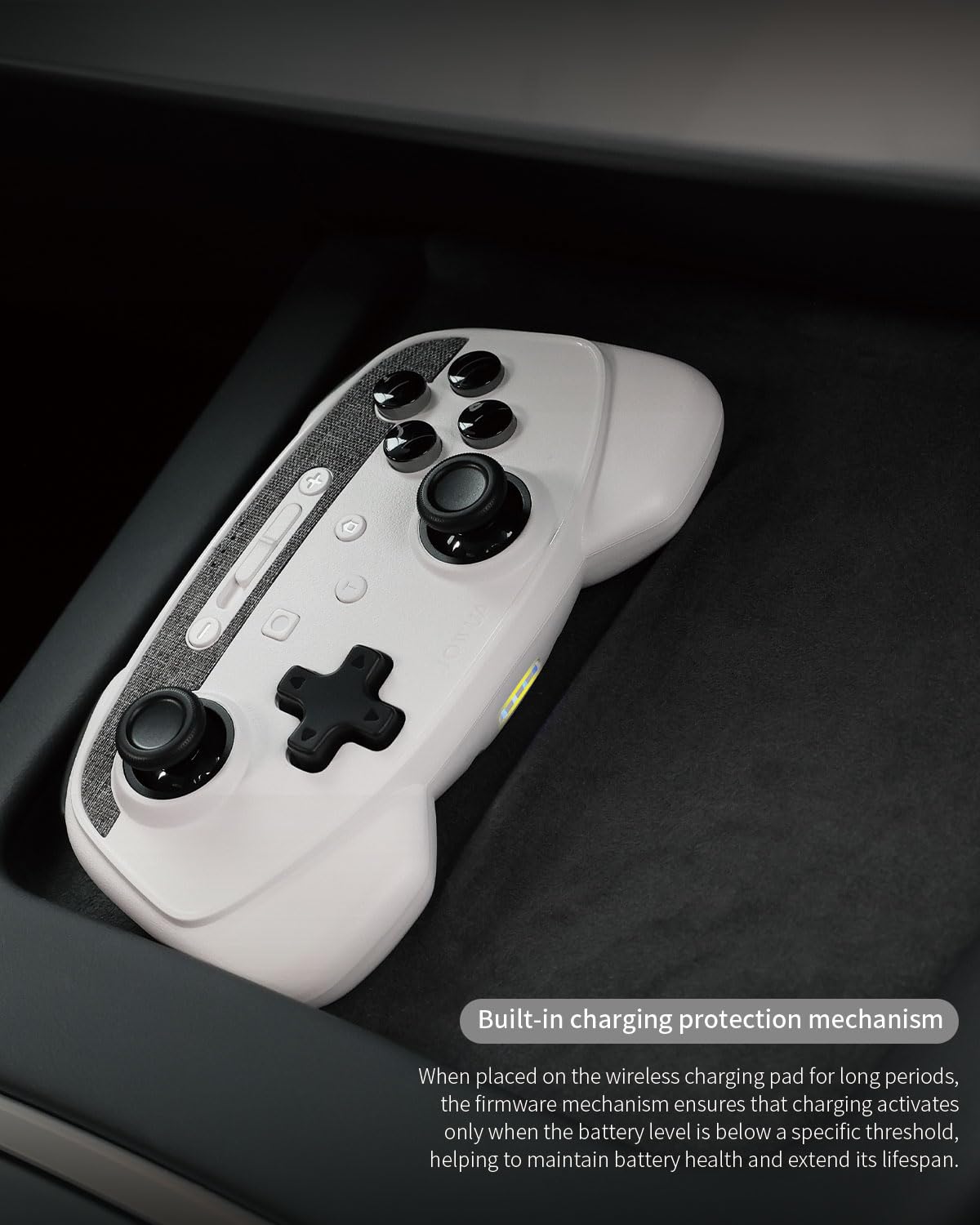
- Q: What color options are available for the Jowua controller? A: The Jowua Multi-Device Wireless Controller is available in white, designed to match the aesthetic of Tesla vehicles and features wireless charging capabilities.
- Q: Is there a dedicated manual for the Jowua controller? A: Yes, the Jowua controller comes with a manual that provides detailed instructions on setup, pairing, and troubleshooting to ensure users can make the most of their gaming experience.
- Q: Can I use the controller while it is charging? A: Yes, the Jowua controller can be used while it is charging via USB-C, allowing for uninterrupted gameplay even when the battery is low.
- Q: What should I do if I experience connection issues with the controller? A: If you encounter connection issues, ensure that you are using the latest firmware, try reconnecting using the Wireless USB Dongle, or switch to S Mode for Bluetooth connectivity. Consulting the manual may also provide additional troubleshooting tips.