


IQIKU HDMI Adapter for N64, Game Cube, SNES - Black, High-Quality Gaming Connectivity
IQIKU HDMI Adapter for N64, Game Cube, SNES - Black, High-Quality Gaming Connectivity
Regular price
$31.63
Regular price
$31.63
Sale price
$31.63
Low stock: 10 left
Quantity
Couldn't load pickup availability
Guarantee safe checkout

Shipping Information
Shipping Information
- Processing time : 1-3 days
- US Orders Ships in : 3-5 days
- International Orders Ships in : 8-12 days
- 15-days return on defective items
For more info go to Shipping Info page
Safety & Compliance
Safety & Compliance
⚠️ WARNING (California Proposition 65):
This product may contain chemicals known to the State of California to cause cancer, birth defects, or other reproductive harm.
For more information, please visit www.P65Warnings.ca.gov.


Description
Frequently Asked Questions
- Q: What devices are compatible with the IQIKU HDMI Adapter? A: The IQIKU HDMI Adapter is compatible with Nintendo 64, Game Cube, and SNES consoles, allowing you to connect these legacy systems to modern HDMI-equipped TVs.
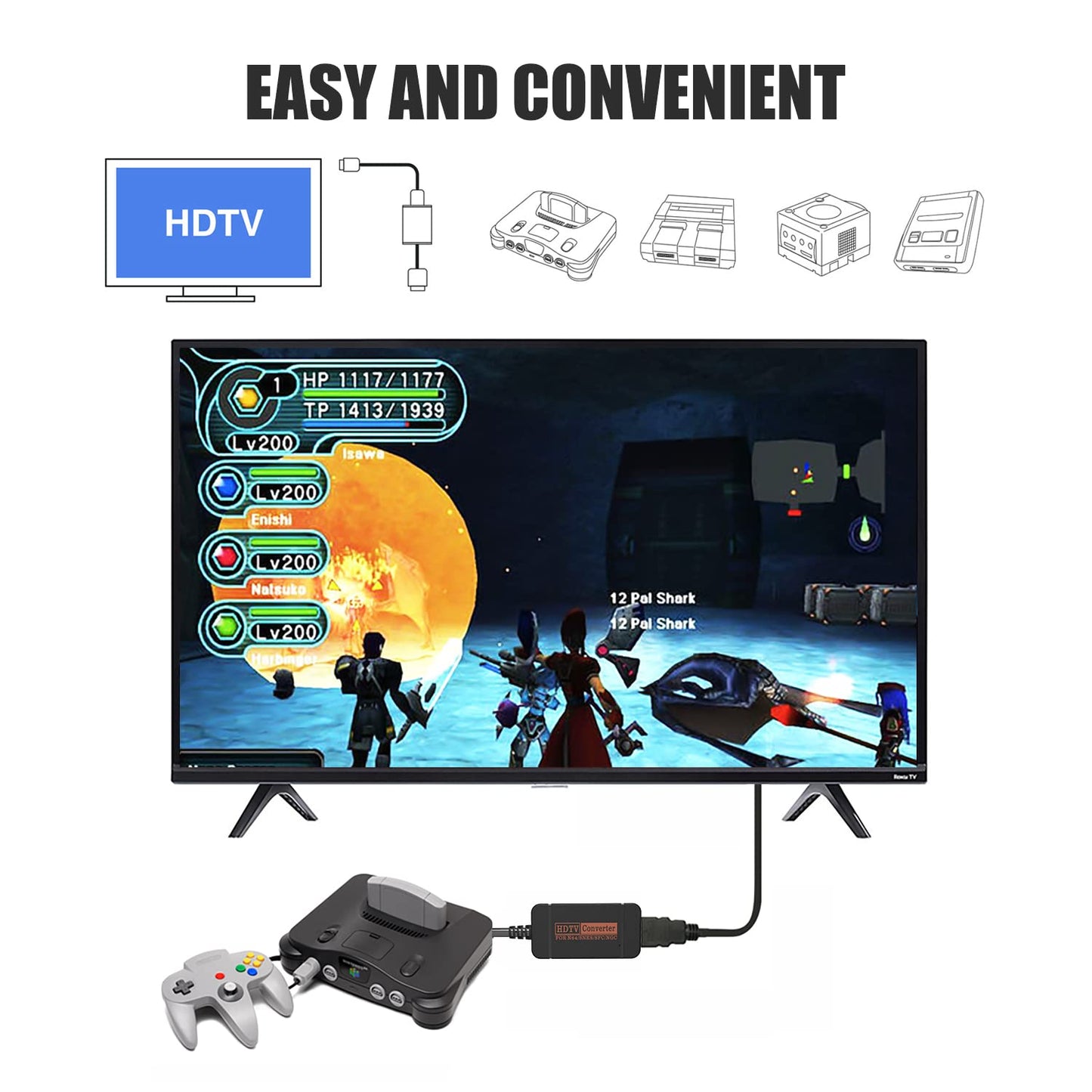
- Q: How do I set up the IQIKU HDMI Adapter? A: Setting up the IQIKU HDMI Adapter is simple. Just plug the adapter into your console, connect the included HDMI cable to the adapter and your TV, and switch to the correct HDMI input on your TV for instant play.
- Q: Does this adapter support widescreen format? A: Yes, the IQIKU HDMI Adapter supports a widescreen format of 16:9, allowing for a better viewing experience on compatible HDTVs.
- Q: Is there any lag when using the IQIKU HDMI Adapter? A: No, the IQIKU HDMI Adapter is designed for plug-and-play use without screen lag, providing a smooth gaming experience.
- Q: Will I need any additional power supply for the IQIKU HDMI Adapter? A: No additional power supply is required for the IQIKU HDMI Adapter. It draws power directly from the console it is connected to.
- Q: What should I do if there is no sound or a blue screen appears? A: If you encounter a blue screen or no sound, please check the HDMI connections to ensure they are secure. Ensure your TV is set to the correct HDMI input.
- Q: What picture quality can I expect from the IQIKU HDMI Adapter? A: You can expect clear and smooth picture quality when using the IQIKU HDMI Adapter, enhancing the gaming experience of legacy systems on modern TVs.
- Q: Is customer support available if I have issues with my adapter? A: Yes, if you experience any problems with the IQIKU HDMI Adapter after purchase, customer service is available to assist you as soon as possible.
- Q: What is the color of the IQIKU HDMI Adapter? A: The IQIKU HDMI Adapter is available in black.
- Q: Does the IQIKU HDMI Adapter come with an HDMI cable? A: Yes, the IQIKU HDMI Adapter includes an HDMI cable to facilitate easy connection to your TV.