


Gnanlen iPad Pencil 2nd Gen - Magnetic Wireless Charging, Compatible with iPad Pro 11/12.9, Air 4/5, Mini 6 - Yellow, Model Pencil
Gnanlen iPad Pencil 2nd Gen - Magnetic Wireless Charging, Compatible with iPad Pro 11/12.9, Air 4/5, Mini 6 - Yellow, Model Pencil
Out of stock
Couldn't load pickup availability
Guarantee safe checkout

Sold by Gamex24, an authorized reseller.
Returns accepted within 30 days | support@gamex24.com
Shipping Information
- Free Standard Shipping — United States only
- Processing Time: 1–3 business days
- Estimated Delivery: 3–5 business days after dispatch
- Securely packed to ensure your purchase arrives in perfect condition
- Tracking number sent via email once dispatched
- Orders over $250 require signature upon delivery. Taxes calculated at checkout.
Returns & Refund
Returns accepted within 30 days of delivery.
Damaged or Defective Item
Free return shipping + replacement or full refund
Wrong Item Received
Free return shipping + replacement or full refund
Change of Mind
Return shipping at customer's expense · Item must be unused & in original packaging
Safety & Compliance
California Proposition 65 Warning
Some products sold on this website may expose you to chemicals known to the State of California to cause cancer, birth defects, or other reproductive harm.
www.P65Warnings.ca.govGeneral Product Safety Advisory
Always read the product label, instructions, and safety warnings before use. Do not use damaged or modified products. Store products in appropriate conditions as specified by the manufacturer.
Keep all products out of reach of children unless specifically designed for their use.
Product Authenticity & Notice
All products sold by Gamex24 are 100% authentic, sourced directly from authorized brand distributors. Product colors and dimensions may vary slightly from images due to screen calibration and manufacturing tolerances.
Gamex24 — Play. Compete. Repeat.


Description
Frequently Asked Questions
- Q: What is the compatibility of the Gnanlen iPad Pencil? A: This stylus is compatible with iPad models like iPad Mini sixth generation, iPad Air fourth and fifth generations, and iPad Pro twelve point nine inch third to sixth generations.
- Q: How does the Gnanlen iPad Pencil charge? A: The pencil features Bluetooth magnetic charging, allowing you to attach it to the side of your iPad for charging.
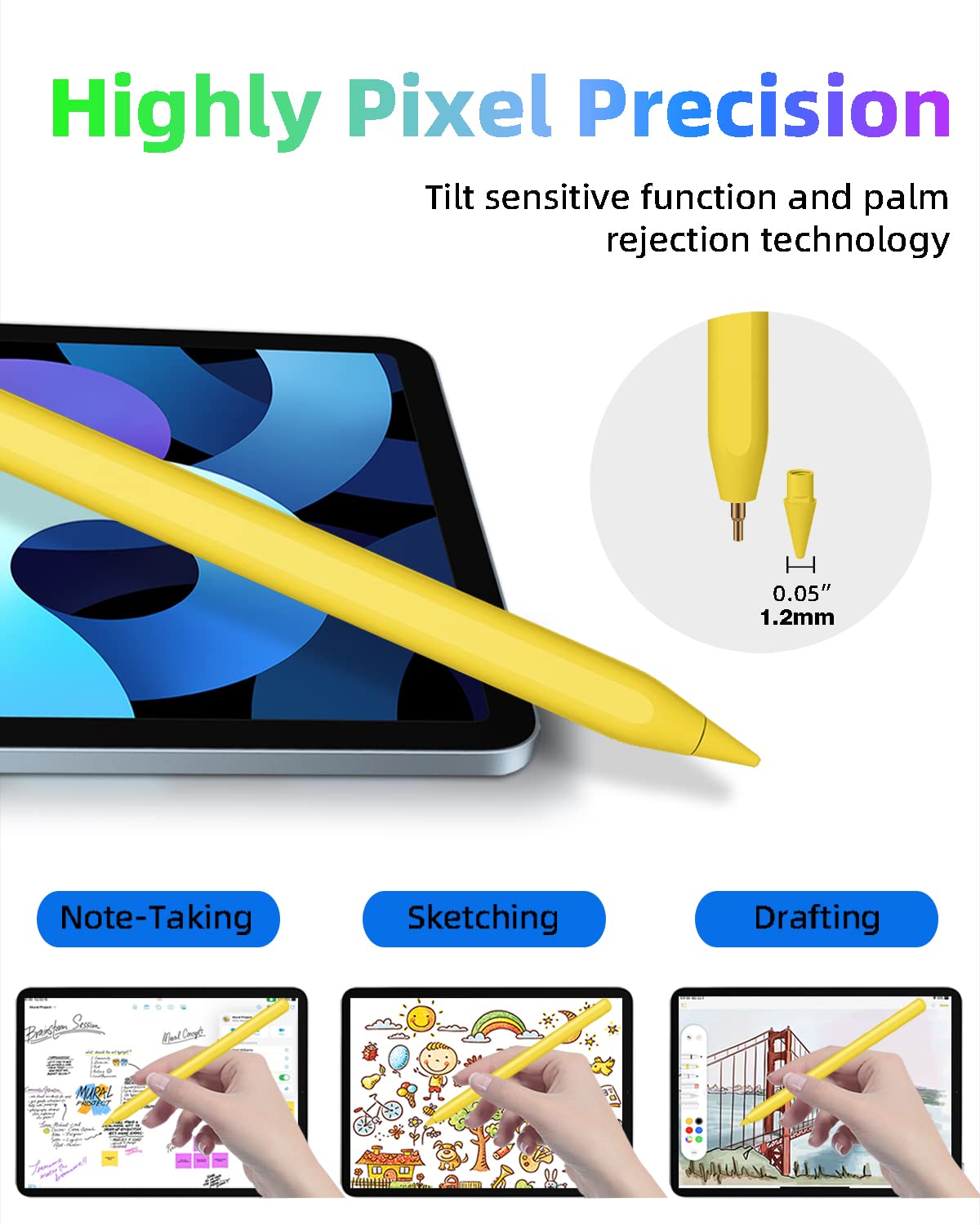
- Q: What is the size of the nib on the Gnanlen iPad Pencil? A: The stylus has a nib size of one point two millimeters, enabling precise control and accuracy.
- Q: Is there a way to check the battery level of the Gnanlen iPad Pencil? A: Yes, you can add a widget to your iPad to monitor the battery level in real time.
- Q: How long does it take to fully charge the Gnanlen iPad Pencil? A: It takes approximately one and a half hours to fully charge the pencil.
- Q: How long can the Gnanlen iPad Pencil last on a full charge? A: On a full charge, the stylus can last up to nine hours of continuous use.
- Q: What features enhance the usability of the Gnanlen iPad Pencil? A: The pencil has tilt sensitivity, pixel precision, and a palm rejection function for a smoother drawing experience.
- Q: Are there any shortcut functions on the Gnanlen iPad Pencil? A: Yes, it includes shortcut key functions activated by tapping the top button, allowing quick access to main screens and app selections.
- Q: Is the Gnanlen iPad Pencil suitable for digital art? A: Yes, its precision and sensitivity make it an excellent choice for digital art and note-taking.
- Q: How do I ensure my iPad is compatible with the Gnanlen iPad Pencil? A: You can identify compatibility by checking the model number in the iPad settings or on the back of the device.
- Q: What should I do if the Gnanlen iPad Pencil doesn't charge? A: Ensure it's properly attached to the iPad for charging and check Bluetooth connectivity. If issues persist, consult customer support.
- Q: Can I use the Gnanlen iPad Pencil with any iPad model? A: No, it is not compatible with earlier iPad generations or other brands like iPhone, Android, or Microsoft devices.
- Q: How do I clean the Gnanlen iPad Pencil? A: To clean it, gently wipe the surface with a dry microfiber cloth to remove dirt and smudges.
- Q: What happens if I leave the Gnanlen iPad Pencil inactive? A: If inactive for five minutes, the stylus will automatically enter sleep mode to conserve battery.
- Q: Is the Gnanlen iPad Pencil good for beginners? A: Yes, its intuitive design and user-friendly features make it ideal for beginners in digital art and note-taking.