


giZmoZ n gadgetZ 2 x STICKERBOMB PS4 Controller Skins - Full Wrap Vinyl Sticker
giZmoZ n gadgetZ 2 x STICKERBOMB PS4 Controller Skins - Full Wrap Vinyl Sticker
Regular price
$20.24
Regular price
$20.24
Sale price
$20.24
Out of stock
Quantity
Couldn't load pickup availability
Guarantee safe checkout

Shipping Information
Shipping Information
- Processing time : 1-3 days
- US Orders Ships in : 3-5 days
- International Orders Ships in : 8-12 days
- 15-days return on defective items
For more info go to Shipping Info page
Safety & Compliance
Safety & Compliance
⚠️ WARNING (California Proposition 65):
This product may contain chemicals known to the State of California to cause cancer, birth defects, or other reproductive harm.
For more information, please visit www.P65Warnings.ca.gov.


Description
Frequently Asked Questions
- Q: How do I install the STICKERBOMB PlayStation 4 controller skins? A: To install the STICKERBOMB skins, first, ensure your controller is clean and free of dust. Then, peel the skin from the backing paper and carefully apply it to your controller, aligning it with the buttons and sticks. If it's your first time, watching a tutorial can be helpful for guidance.
- Q: Are these skins removable and do they leave any residue? A: Yes, the STICKERBOMB skins are removable and designed to peel off easily without leaving any sticky residue on your controller.
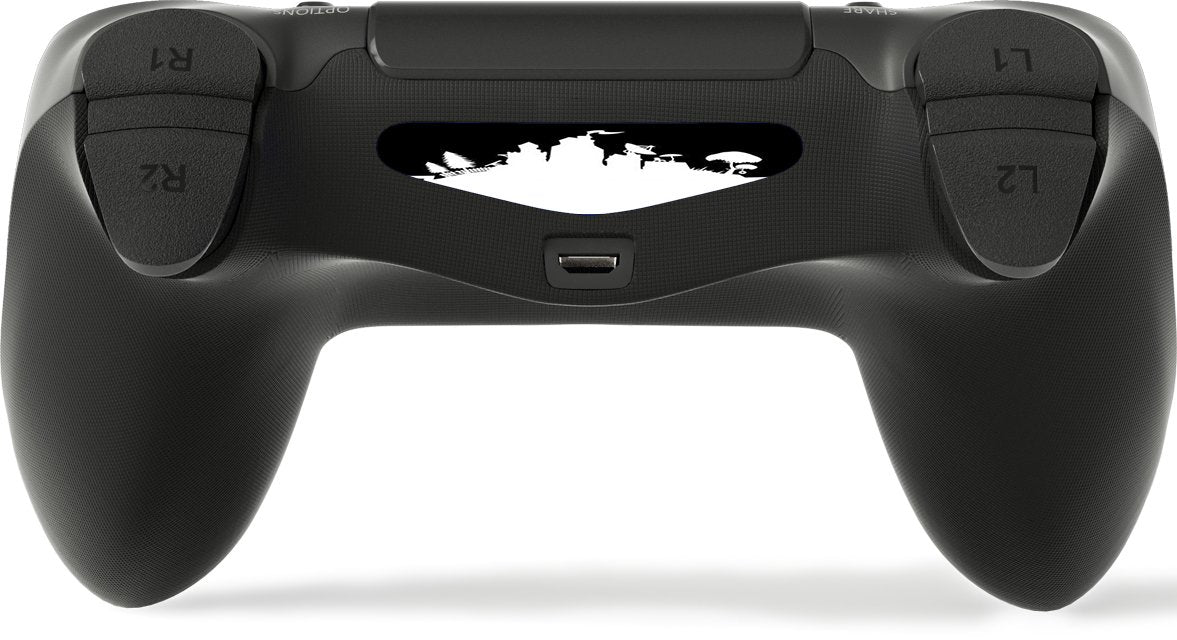
- Q: Will these skins fit all PlayStation 4 controllers? A: The STICKERBOMB skins are compatible with all PlayStation 4 controllers. However, please note that they will cover the front light bar on the PS4 Slim and PS4 Pro controllers.
- Q: What materials are the STICKERBOMB controller skins made from? A: The skins are made from a high-quality vinyl material that is flexible, adhesive, and designed to provide a slim fit while ensuring easy application.
- Q: How many skins are included in the package? A: Each package includes two skins for PlayStation 4 controllers, allowing for a complete wrap on both controllers.
- Q: Can I change the skins frequently without damage? A: Yes, the STICKERBOMB skins are designed for easy installation and removal, allowing you to change them frequently without causing damage to your controller.
- Q: Do these skins provide any protection to the controller? A: While the STICKERBOMB skins enhance the aesthetic of your controller, they also provide a layer of protection against scratches and minor wear.
- Q: Is there any special care needed for these skins? A: To maintain the appearance of the STICKERBOMB skins, it is recommended to clean them gently with a soft cloth. Avoid using harsh chemicals or abrasive materials.
- Q: What is the installation time for the STICKERBOMB skins? A: The installation of the STICKERBOMB skins typically takes just a few minutes, making it a quick and easy process.
- Q: Are there any specific instructions for applying the skins? A: Yes, before applying the skins, ensure that the controller is clean and dry. Peel off the skin, align it carefully, and press down to secure it, ensuring no air bubbles form during the application.