


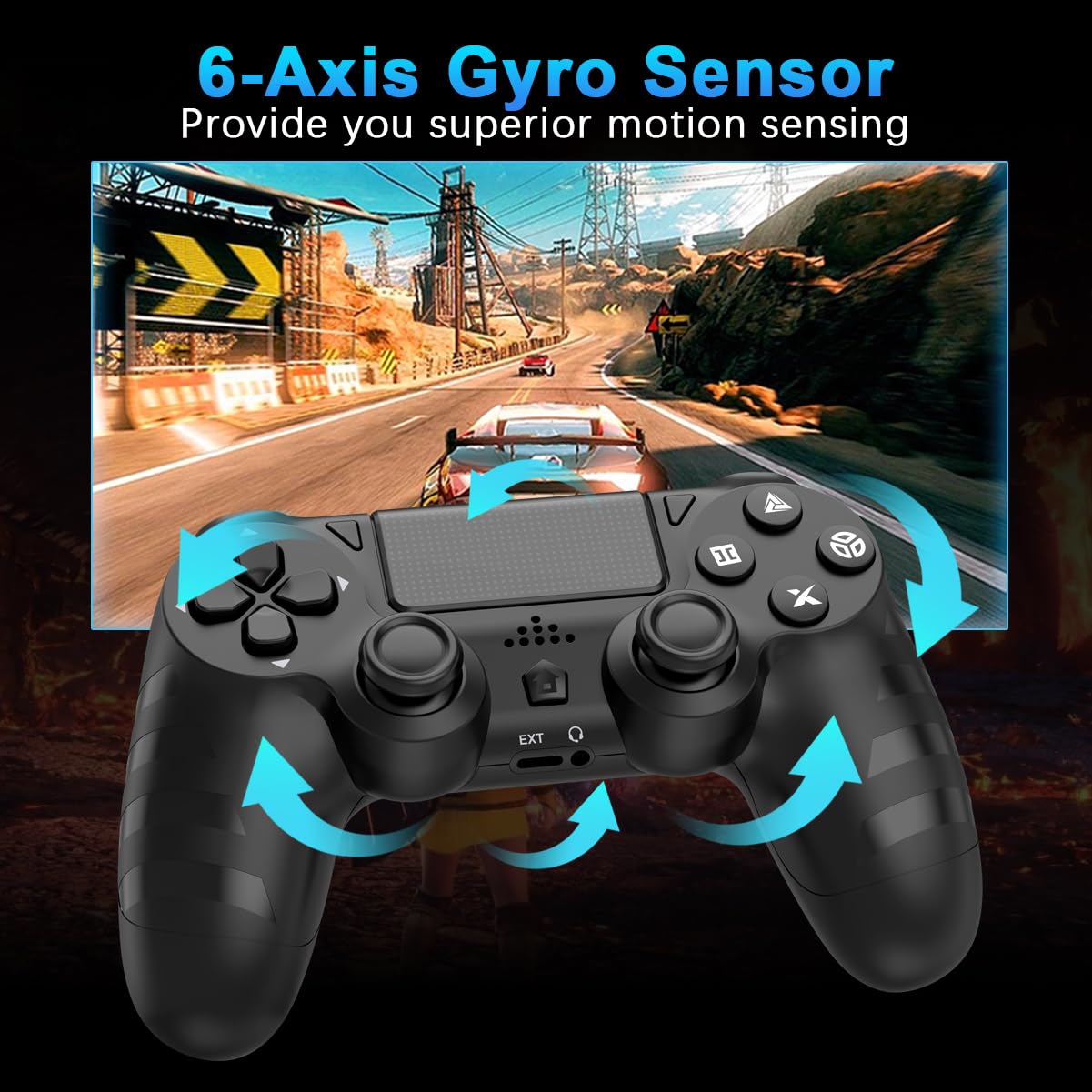
DYONDER Wireless Controllers for PS4/Pro/Slim & PC – 1000mAh Battery, 6-Axis Motion Sensor, Audio Jack, Black & Pink (2-Pack)
DYONDER Wireless Controllers for PS4/Pro/Slim & PC – 1000mAh Battery, 6-Axis Motion Sensor, Audio Jack, Black & Pink (2-Pack)
Out of stock
Couldn't load pickup availability
Guarantee safe checkout

Sold by Gamex24, an authorized reseller.
Returns accepted within 30 days | support@gamex24.com
Shipping Information
- Free Standard Shipping — United States only
- Processing Time: 1–3 business days
- Estimated Delivery: 3–5 business days after dispatch
- Securely packed to ensure your purchase arrives in perfect condition
- Tracking number sent via email once dispatched
- Orders over $250 require signature upon delivery. Taxes calculated at checkout.
Returns & Refund
Returns accepted within 30 days of delivery.
Damaged or Defective Item
Free return shipping + replacement or full refund
Wrong Item Received
Free return shipping + replacement or full refund
Change of Mind
Return shipping at customer's expense · Item must be unused & in original packaging
Safety & Compliance
California Proposition 65 Warning
Some products sold on this website may expose you to chemicals known to the State of California to cause cancer, birth defects, or other reproductive harm.
www.P65Warnings.ca.govGeneral Product Safety Advisory
Always read the product label, instructions, and safety warnings before use. Do not use damaged or modified products. Store products in appropriate conditions as specified by the manufacturer.
Keep all products out of reach of children unless specifically designed for their use.
Product Authenticity & Notice
All products sold by Gamex24 are 100% authentic, sourced directly from authorized brand distributors. Product colors and dimensions may vary slightly from images due to screen calibration and manufacturing tolerances.
Gamex24 — Play. Compete. Repeat.


Description
Frequently Asked Questions
- Q: What is the battery capacity of the DYONDER wireless controllers? A: The battery capacity is one thousand milliamp hours. This allows for over fifteen hours of gameplay on a single charge.
- Q: How long does it take to charge the controllers? A: It takes two hours to fully charge the controllers. You can use the included USB-C quick charge cable for efficient charging.
- Q: What gaming systems are compatible with these controllers? A: These controllers are compatible with PlayStation four, PlayStation four Slim, PlayStation four Pro, and PC. They serve as a great replacement for standard PlayStation controllers.
- Q: What color options are available for these controllers? A: The controllers are available in black and pink. This color combination adds a stylish touch to your gaming setup.
- Q: How do I connect the DYONDER controllers to my console? A: To connect for the first time, use the USB-C charging cable to sync with your console. For PC, press the 'SHARE' and 'HOME' buttons simultaneously for three seconds.
- Q: Do the controllers have vibration feedback? A: Yes, the controllers feature dual vibration feedback. This enhances the gaming experience by providing immersive tactile sensations during gameplay.
- Q: Are these controllers suitable for long gaming sessions? A: Yes, the long battery life of over fifteen hours makes them suitable for extended gaming sessions. You can enjoy uninterrupted play without frequent recharging.
- Q: What is the material of the DYONDER controllers? A: The exact material is not specified, but they are designed to be durable and withstand regular use. The controllers are built to provide a reliable gaming experience.
- Q: How responsive are the joystick and buttons? A: The joystick and buttons are highly responsive and precise. This design minimizes input lag and drift, allowing for quicker reactions during gameplay.
- Q: What is the weight of the DYONDER wireless controllers? A: The specific weight is not mentioned, but they are designed for comfortable handling during extended use. They are lightweight to enhance gaming comfort.
- Q: Can these controllers be used for non-gaming applications? A: Yes, while primarily designed for gaming, they can also be used for non-gaming applications on PC. The controllers may support basic navigation tasks.
- Q: How do I care for and maintain my controllers? A: Keep the controllers clean by wiping them with a soft, dry cloth. Avoid exposure to moisture and extreme temperatures to ensure optimal functionality.
- Q: What should I do if my controllers don't connect? A: If they don't connect, ensure the controllers are charged and follow the syncing instructions carefully. If issues persist, consult the manufacturer's support.
- Q: Is there a warranty for the DYONDER controllers? A: Yes, DYONDER typically offers a warranty for their controllers. Check the packaging or manufacturer's website for specific warranty details.
- Q: How do I troubleshoot if the controller's battery life seems short? A: If the battery life appears short, ensure the controller is fully charged before use. Also, check for any updates that may enhance battery performance.