


DRAOZA Gateron Pro 2.0 RGB Switches - 108pcs Prelubricated 3-Pin Red/Yellow/Brown for MX Mechanical Keyboards
DRAOZA Gateron Pro 2.0 RGB Switches - 108pcs Prelubricated 3-Pin Red/Yellow/Brown for MX Mechanical Keyboards
Out of stock
Couldn't load pickup availability
Guarantee safe checkout

Sold by Gamex24, an authorized reseller.
Returns accepted within 30 days | support@gamex24.com
Shipping Information
- Free Standard Shipping — United States only
- Processing Time: 1–3 business days
- Estimated Delivery: 3–5 business days after dispatch
- Securely packed to ensure your purchase arrives in perfect condition
- Tracking number sent via email once dispatched
- Orders over $250 require signature upon delivery. Taxes calculated at checkout.
Returns & Refund
Returns accepted within 30 days of delivery.
Damaged or Defective Item
Free return shipping + replacement or full refund
Wrong Item Received
Free return shipping + replacement or full refund
Change of Mind
Return shipping at customer's expense · Item must be unused & in original packaging
Safety & Compliance
California Proposition 65 Warning
Some products sold on this website may expose you to chemicals known to the State of California to cause cancer, birth defects, or other reproductive harm.
www.P65Warnings.ca.govGeneral Product Safety Advisory
Always read the product label, instructions, and safety warnings before use. Do not use damaged or modified products. Store products in appropriate conditions as specified by the manufacturer.
Keep all products out of reach of children unless specifically designed for their use.
Product Authenticity & Notice
All products sold by Gamex24 are 100% authentic, sourced directly from authorized brand distributors. Product colors and dimensions may vary slightly from images due to screen calibration and manufacturing tolerances.
Gamex24 — Play. Compete. Repeat.


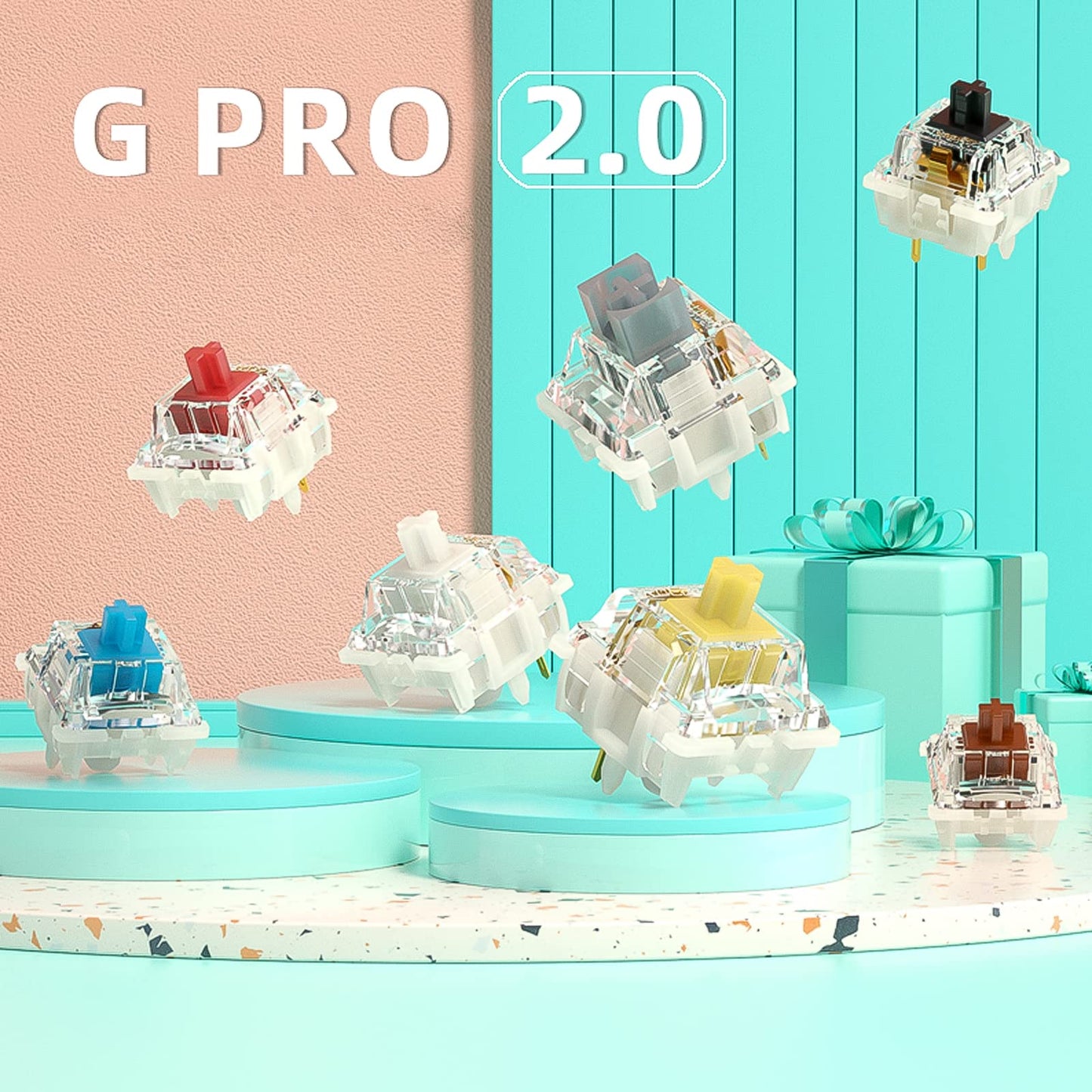
Description
Frequently Asked Questions
- Q: What type of switches does the DRAOZA Gateron Pro 2.0 use? A: The DRAOZA Gateron Pro 2.0 uses three-pin prelubricated RGB switches. These switches are compatible with MX mechanical keyboards.
- Q: How many switches come in the package? A: The package contains one hundred eight switches. This quantity is ideal for building or upgrading mechanical keyboards.
- Q: What are the dimensions of the switches? A: Each switch measures approximately seven point zero nine inches long, four point seven two inches wide, and one point five seven inches high. This compact size fits standard mechanical keyboard layouts.
- Q: What is the total travel distance of the switches? A: The total travel distance of the switches is four millimeters. The maximum conduction travel is two millimeters, ensuring responsive performance.
- Q: What is the operating force required for these switches? A: The operating force for the DRAOZA Gateron Pro 2.0 switches is forty-five grams. This allows for a balanced typing experience, suitable for various users.
- Q: How do I use the DRAOZA Gateron Pro 2.0 switches? A: To use the switches, install them into compatible mechanical keyboards. Ensure they are properly seated in the switch sockets for optimal performance.
- Q: Are these switches suitable for gaming? A: Yes, these switches are suitable for gaming. Their fast response time and durability make them a great choice for gamers.
- Q: Can I use these switches for typing tasks? A: Yes, these switches are excellent for typing. Their optimized design offers a smooth and satisfying keystroke experience.
- Q: How should I care for my DRAOZA switches? A: To care for your switches, avoid exposing them to moisture and clean them with compressed air. This will help maintain performance and longevity.
- Q: How do I store the switches when not in use? A: Store the switches in their original blister packaging to protect them from damage. This packaging is designed for easy storage and protection.
- Q: What is the expected lifespan of these switches? A: The DRAOZA Gateron Pro 2.0 switches have an operating life of eighty-two million keystrokes. This ensures long-lasting durability for extensive use.
- Q: Are these switches recyclable? A: Yes, the packaging is recyclable. This makes it convenient for environmentally conscious users.
- Q: How do these switches compare to other mechanical switches? A: These switches offer enhanced light transmission and reduced rebound sound compared to standard switches. They are optimized for stability and performance.
- Q: Is there a warranty for the DRAOZA switches? A: Warranty information varies by retailer. It's best to check with the store where you purchased the switches for specific details regarding warranty coverage.
- Q: What if my switches arrive damaged? A: If your switches arrive damaged, contact the retailer for a return or exchange. Most retailers have policies in place for such issues.